TrendAura
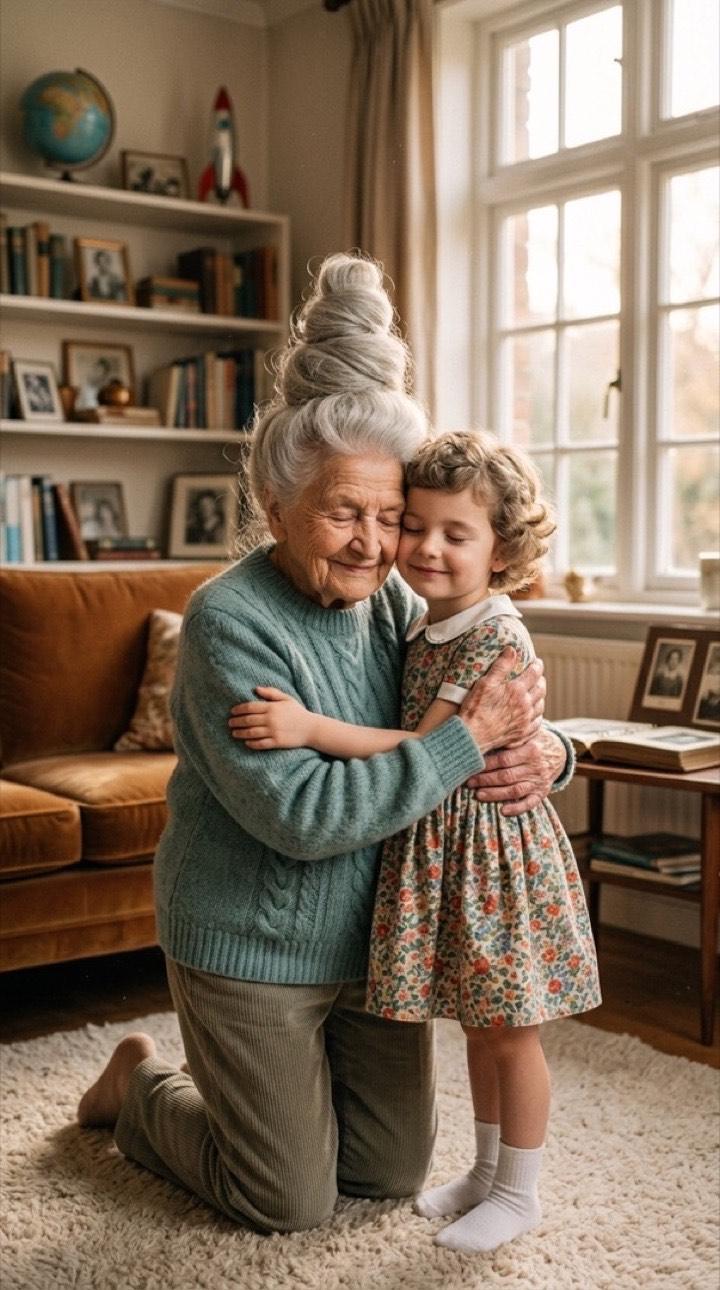
Hug Your Younger Self
A warm, emotional photo of you hugging your younger self. Add a photo of you as a kid for the closest likeness, or let the AI imagine it.
How to get it
- Open TrendAura, tap Create and switch to Photo.
- Pick Younger Self and add a clear photo.
- Tap Create. Your photo is ready in under a minute.
Tips for the best result
- Add a childhood photo for the closest likeness.
- Use a recent, clear photo of your face.
- Soft, natural light photos feel the warmest.
Questions
Can’t find it here? Email support@trendaura.app.
How do I get the Hug Your Younger Self look?
Open TrendAura, tap Create, switch to Photo and pick Younger Self. Add a clear photo of your face and tap Create.
How long does it take?
Under a minute.
What quality is the photo?
Choose Standard, or 2K HD for the most detail.