TrendAura
Bad Times
The kitchen argument that turns into a dance.
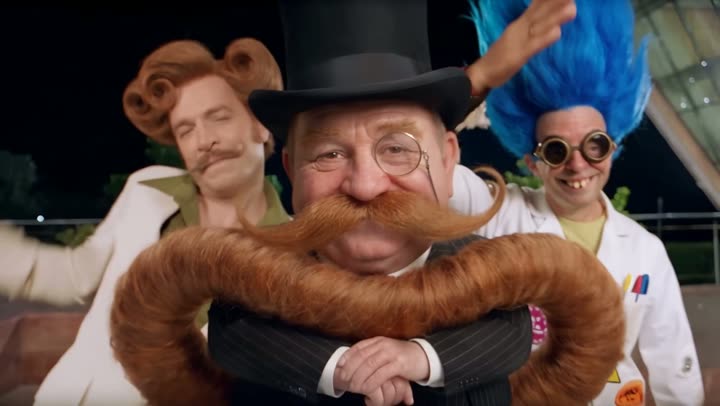
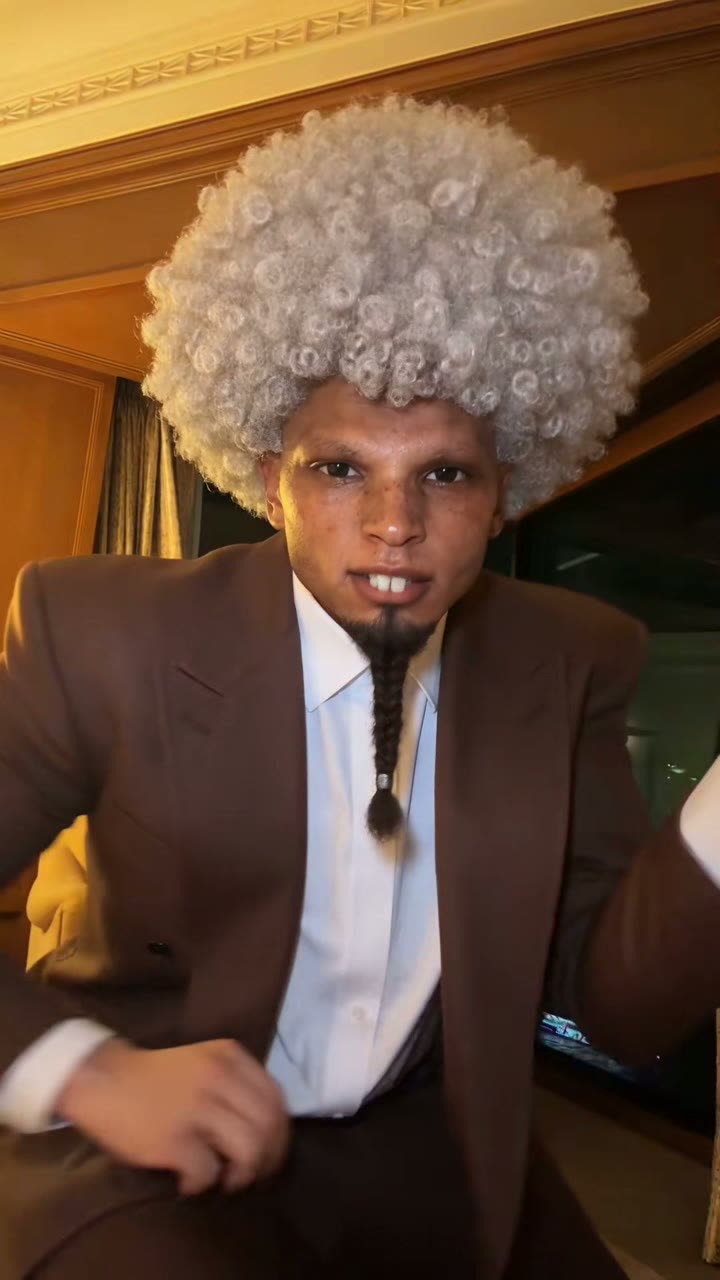
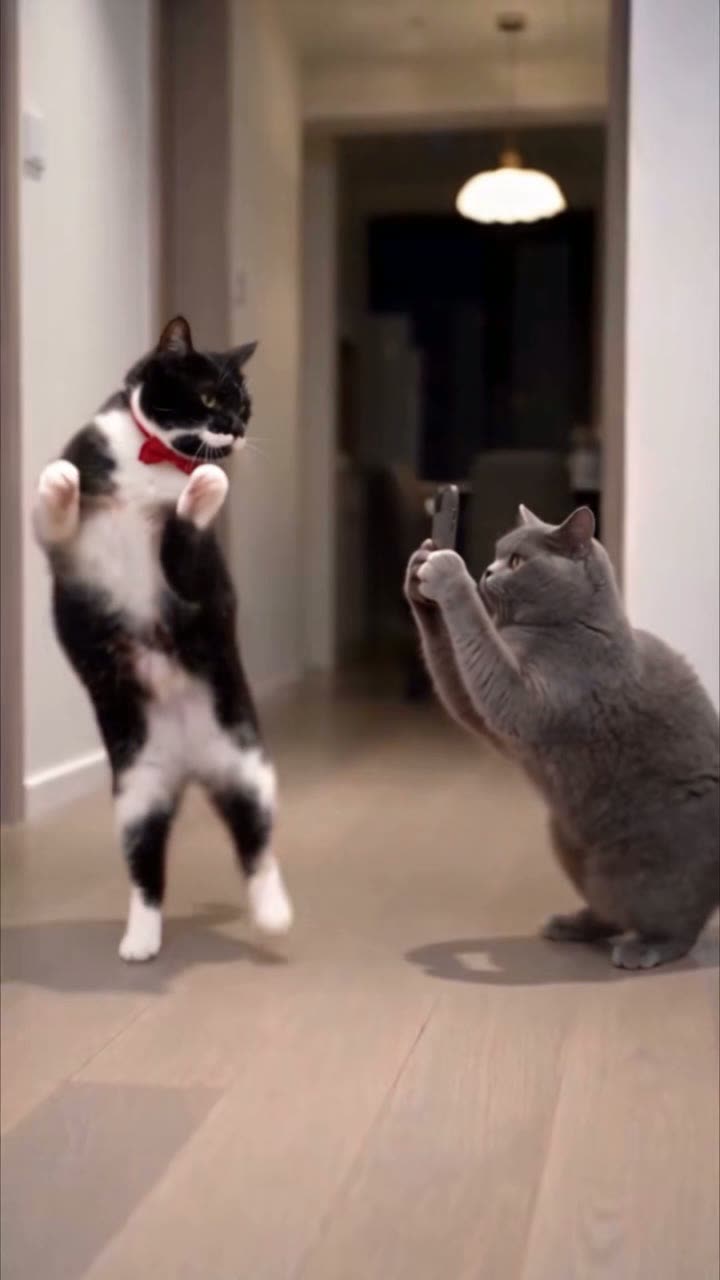
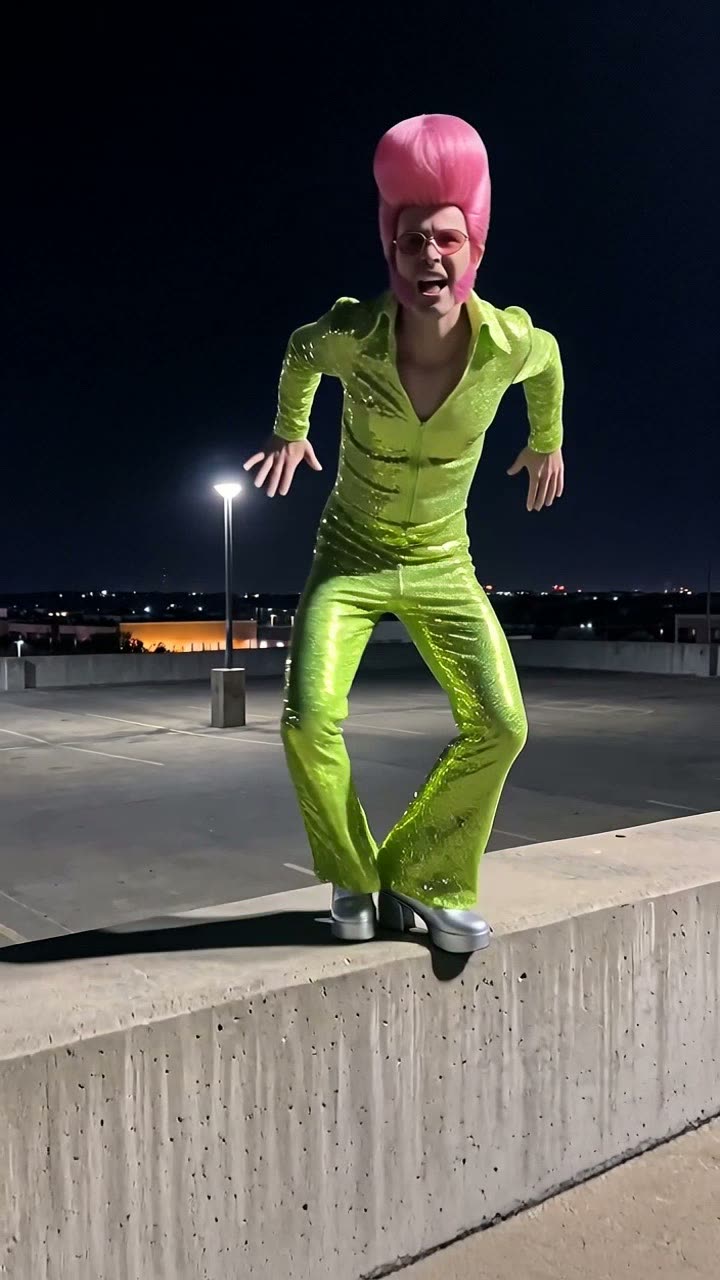
Bad Times is the trend where an argument with the camera becomes a full routine, finger wag and all. TrendAura puts you in the original kitchen, doing every move.
How to make it
- Open TrendAura and pick Bad Times.
- Add one photo, or pick a character.
- Tap Create. Your video is ready in minutes.
Tips for the best result
- Waist-up or full body photos both work.
- Face the camera.
- A big expression in your photo helps.
Questions
Can’t find it here? Email support@trendaura.app.
How do I make the Bad Times trend?
Open TrendAura, pick Bad Times, add one photo of yourself or pick a character, and tap Create. Your video is ready in a few minutes.
Do I need to dance for Bad Times?
No. TrendAura takes the moves from the trend and puts them on the person in your photo. You only need one photo.
What photo works best?
Waist-up or full body photos both work. Face the camera. A big expression in your photo helps.