AI trend videos for iPhone

Be the one in
every trend.

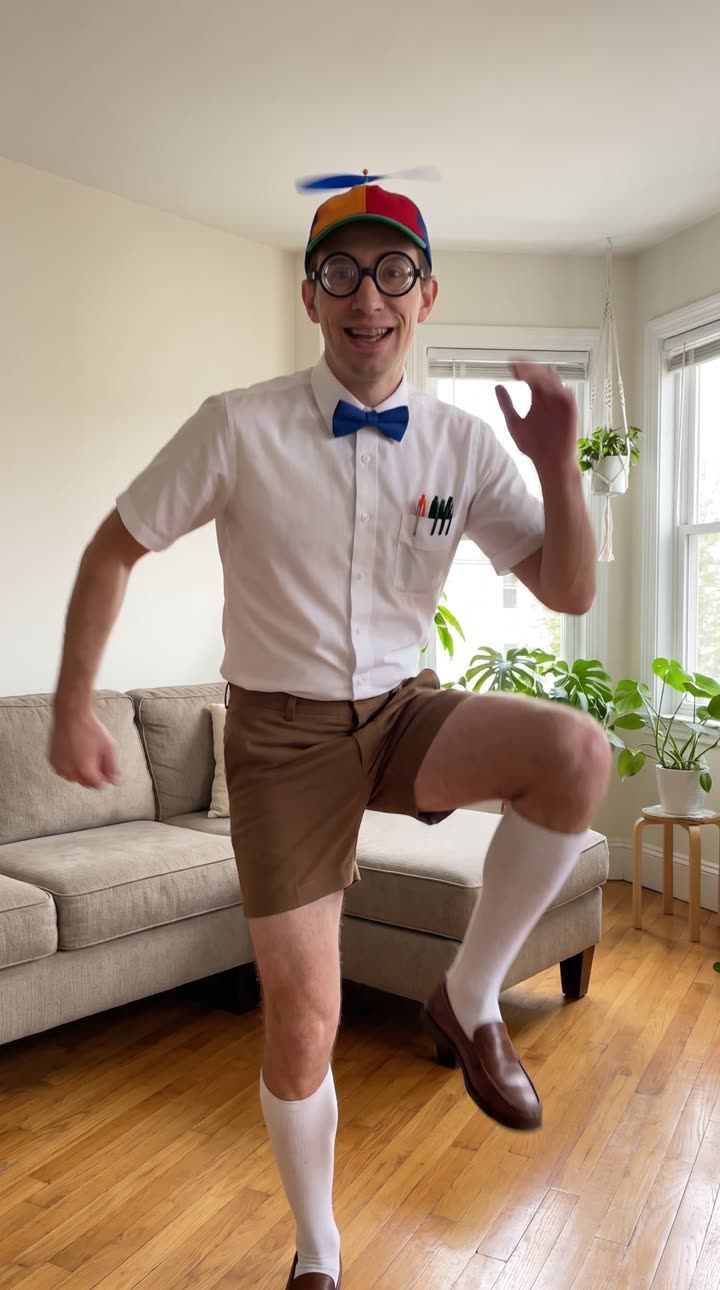
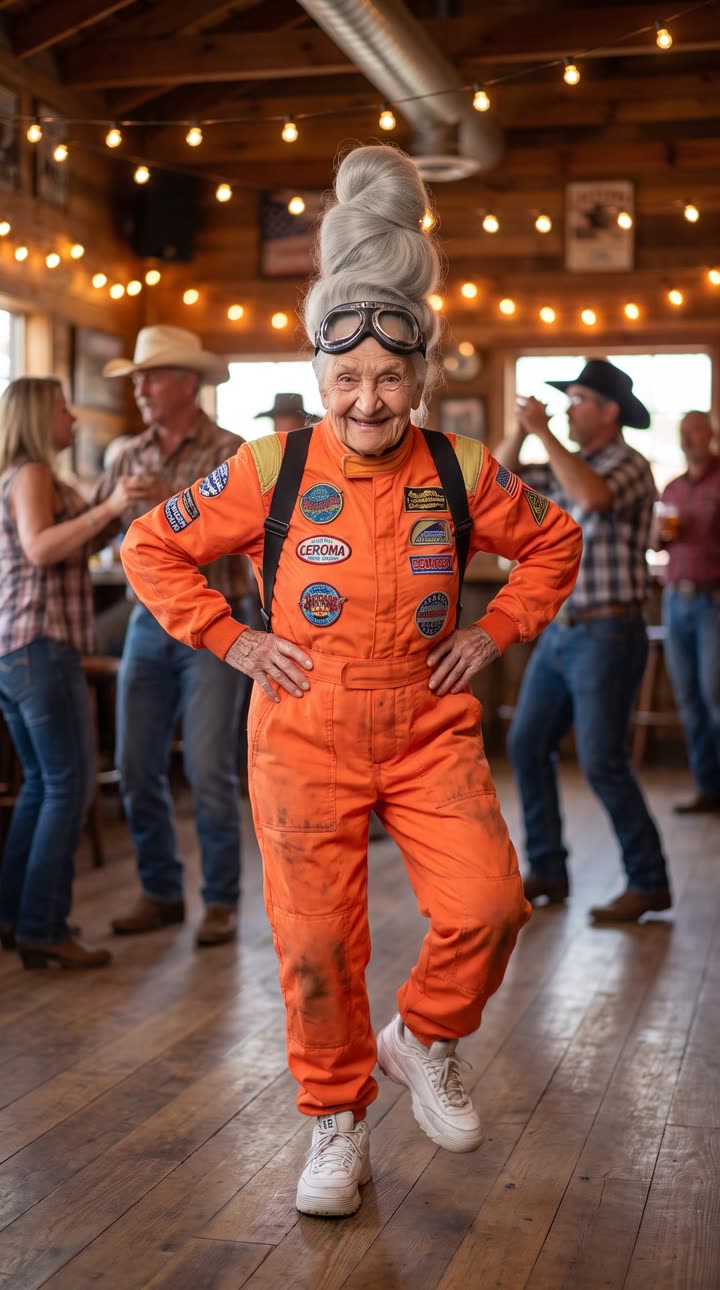
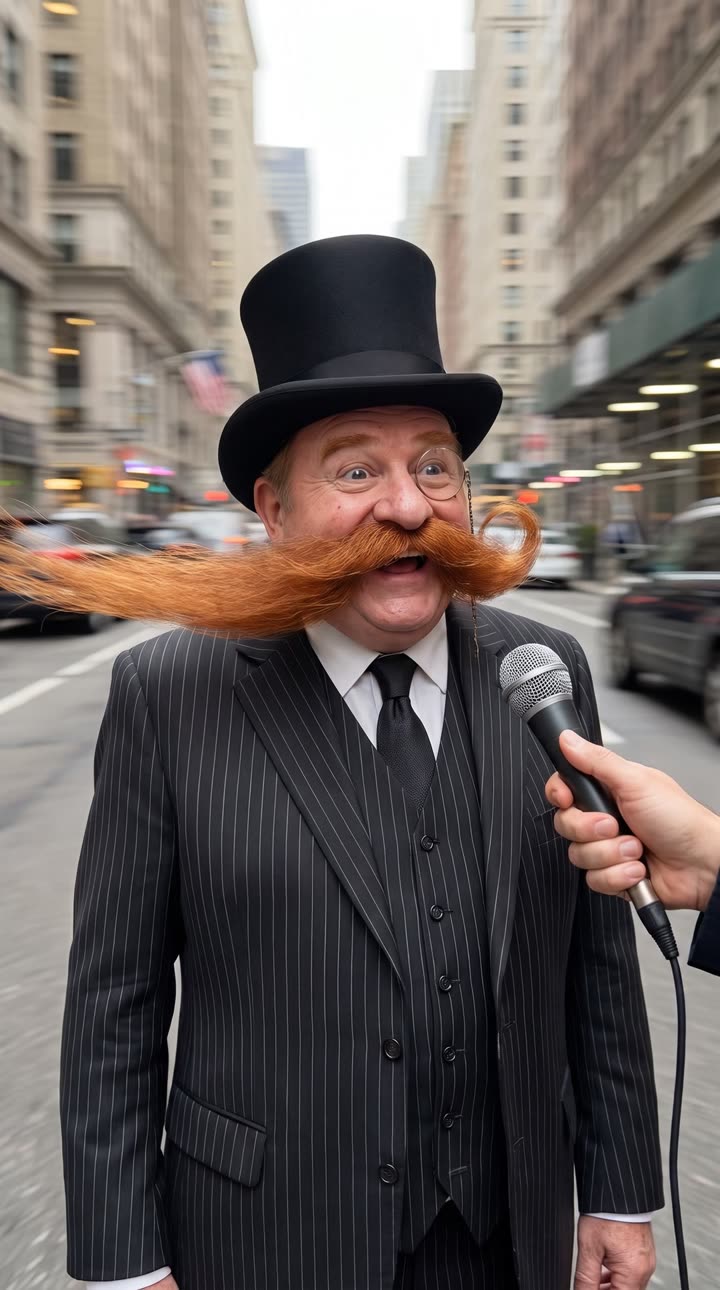
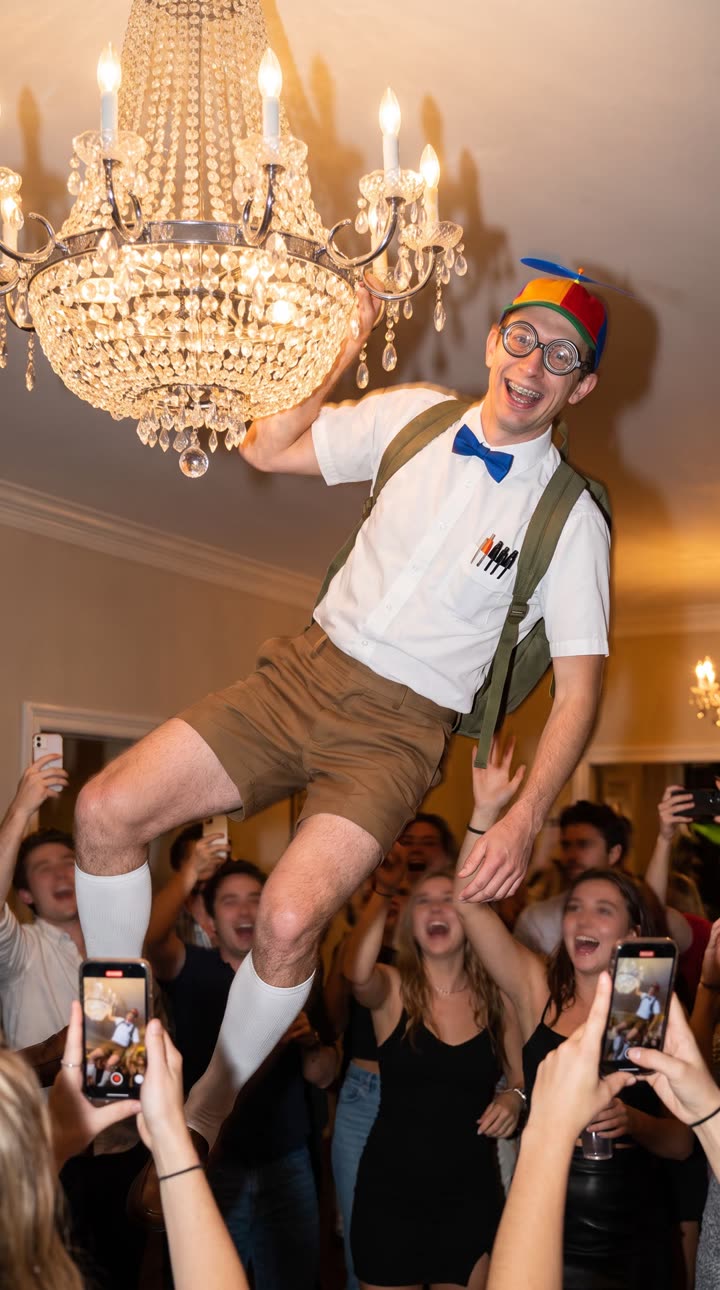
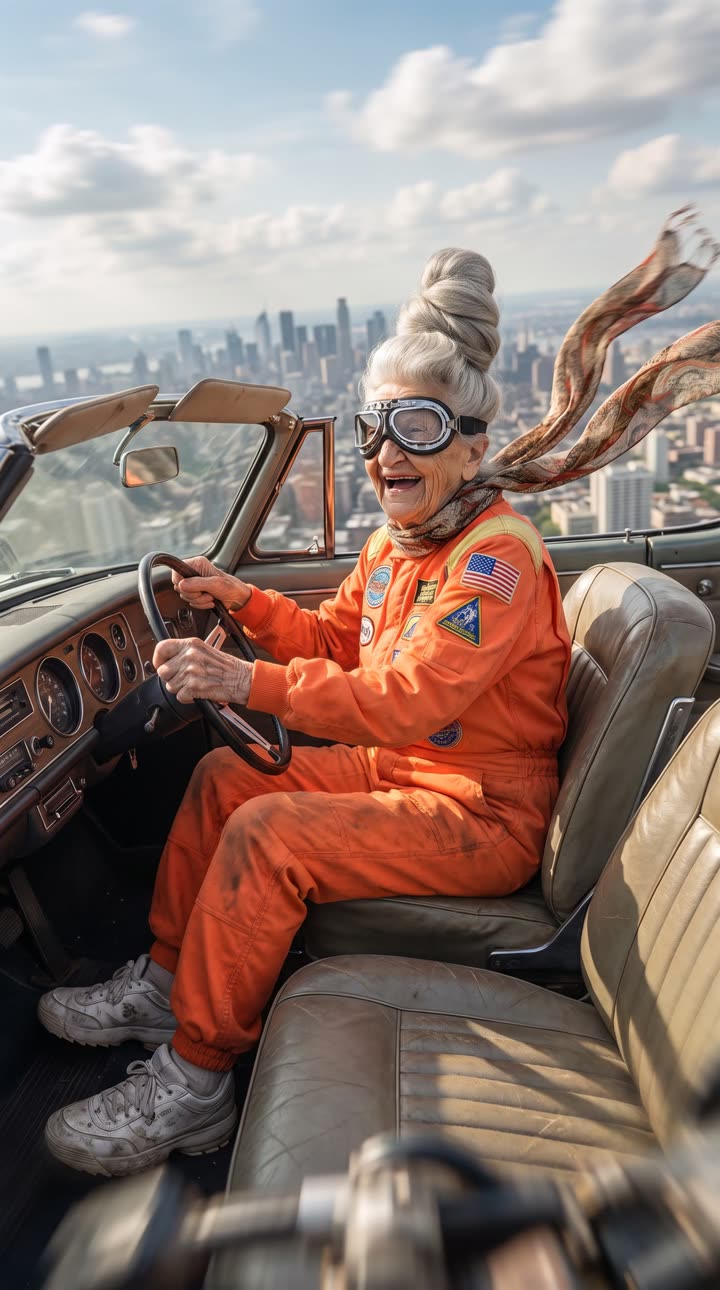
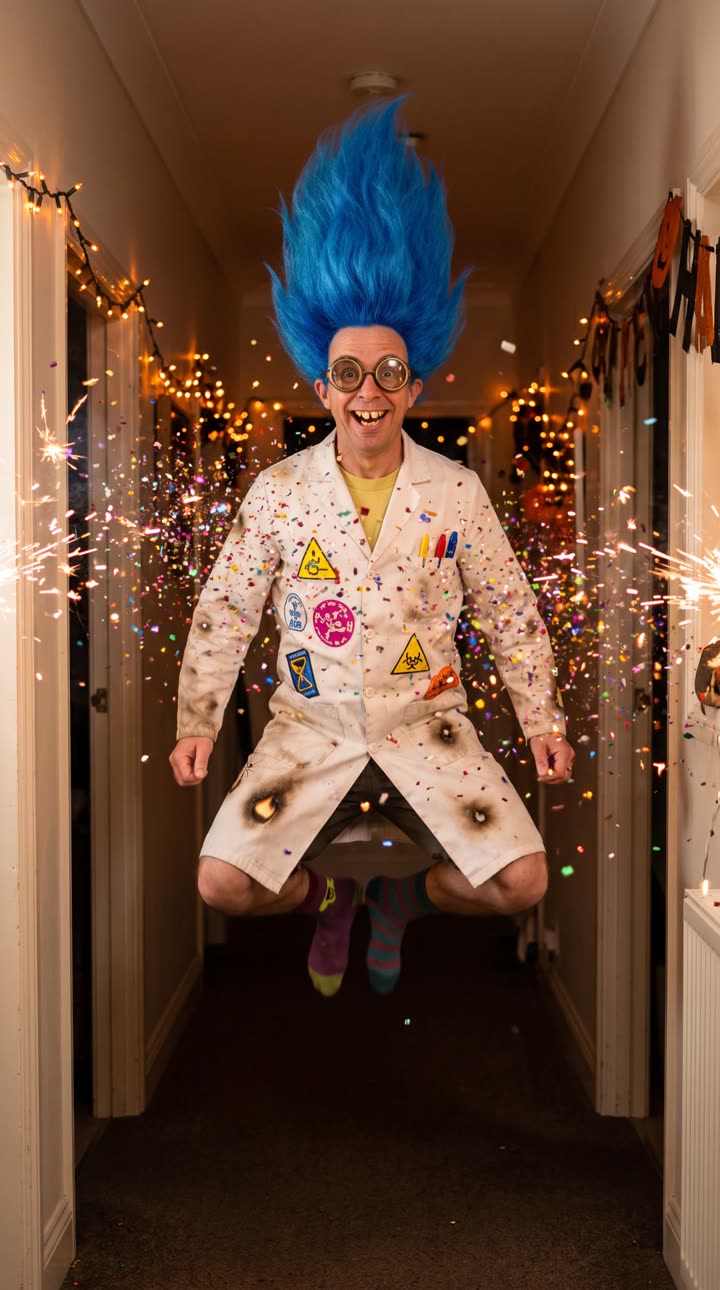
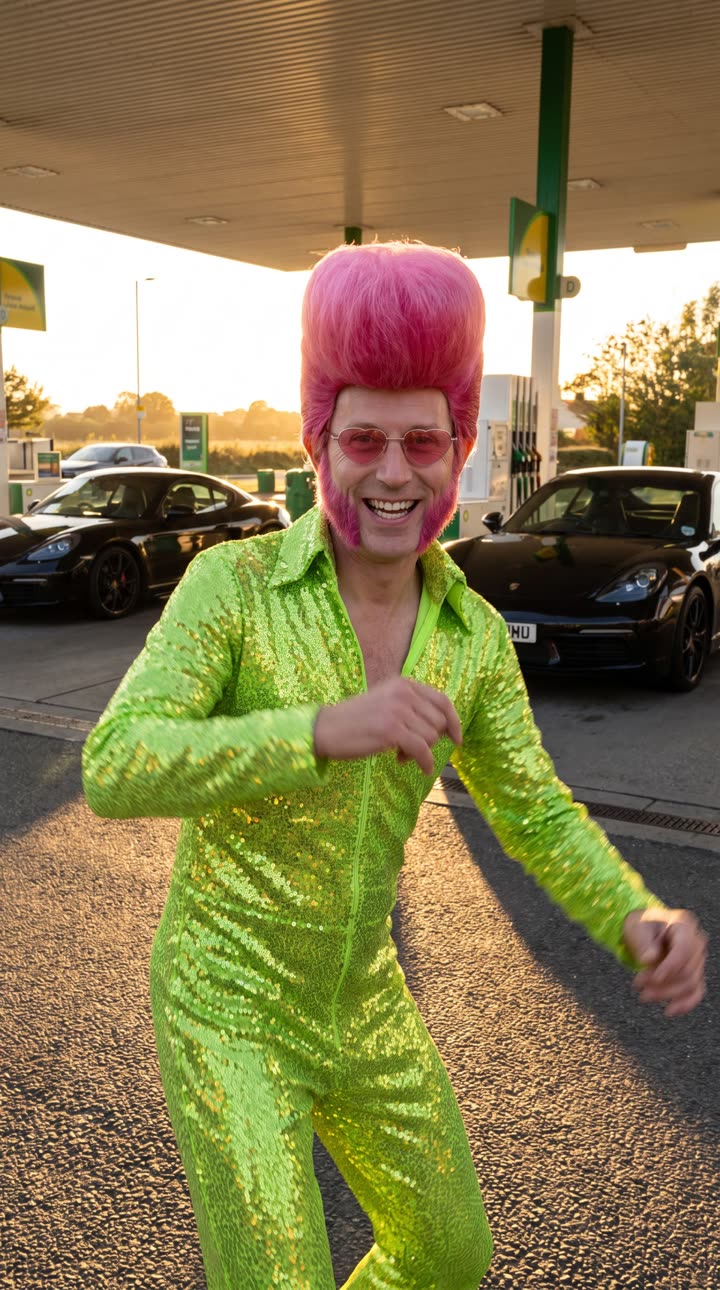
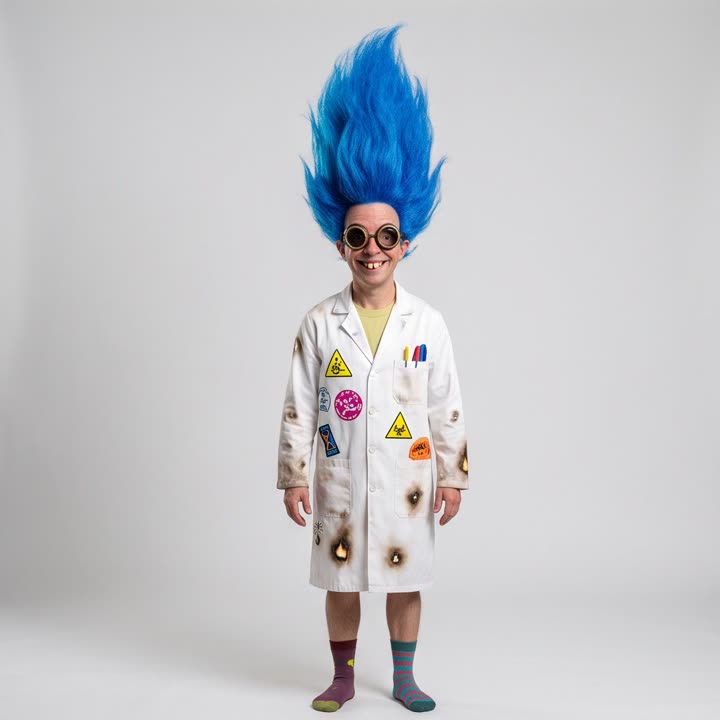
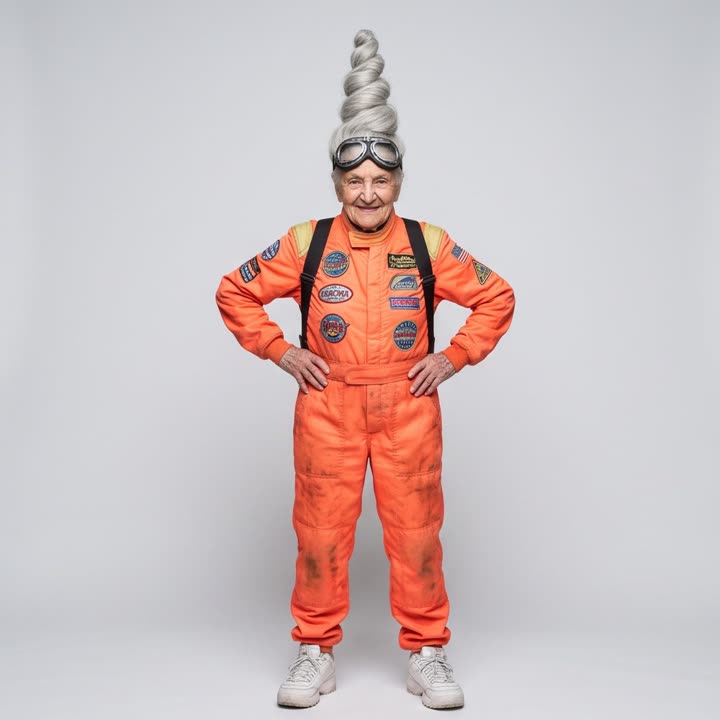
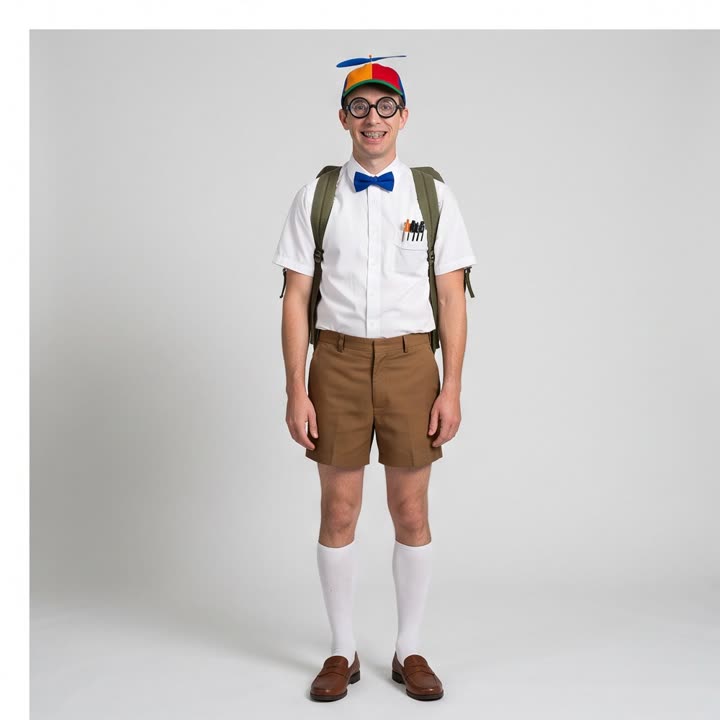
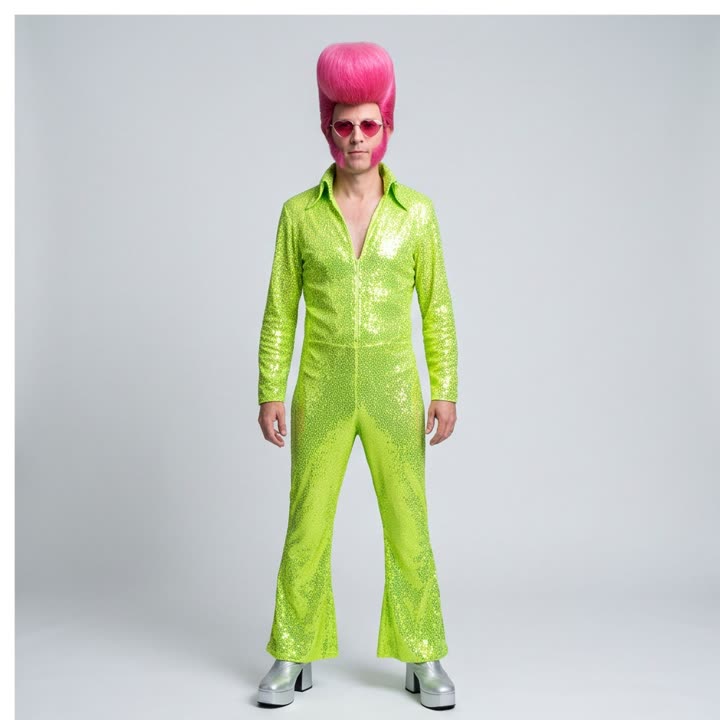
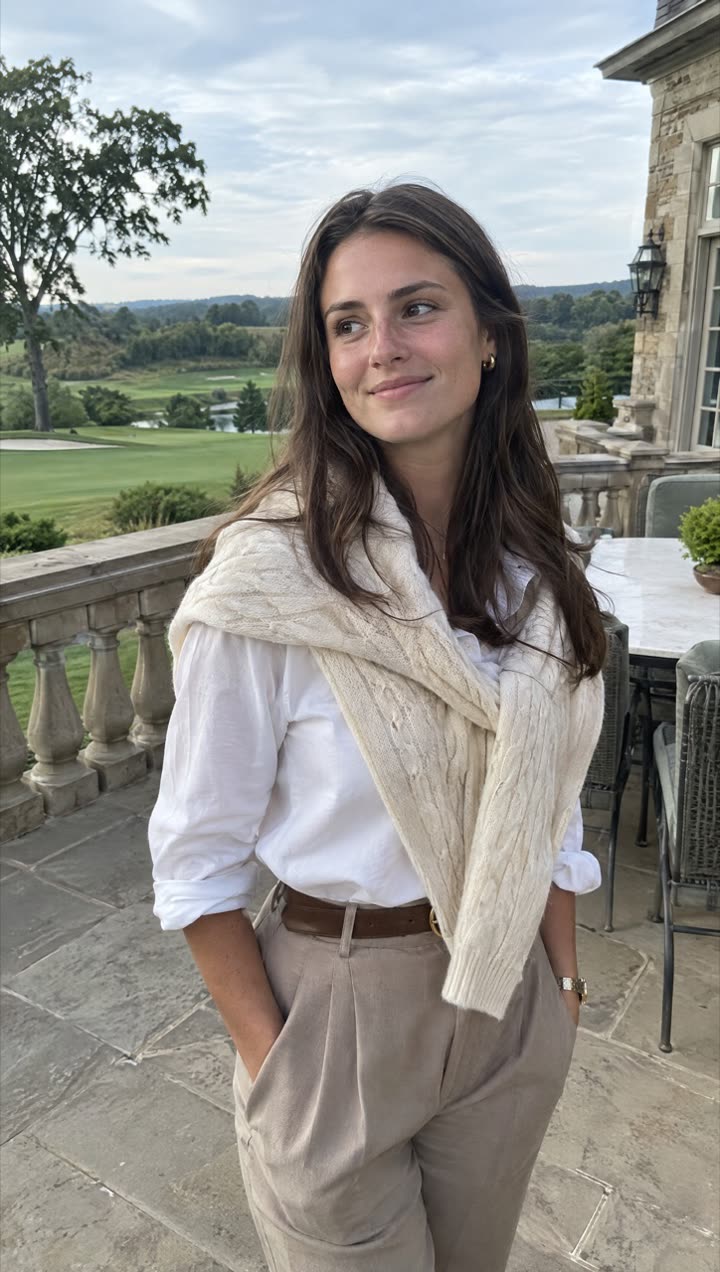
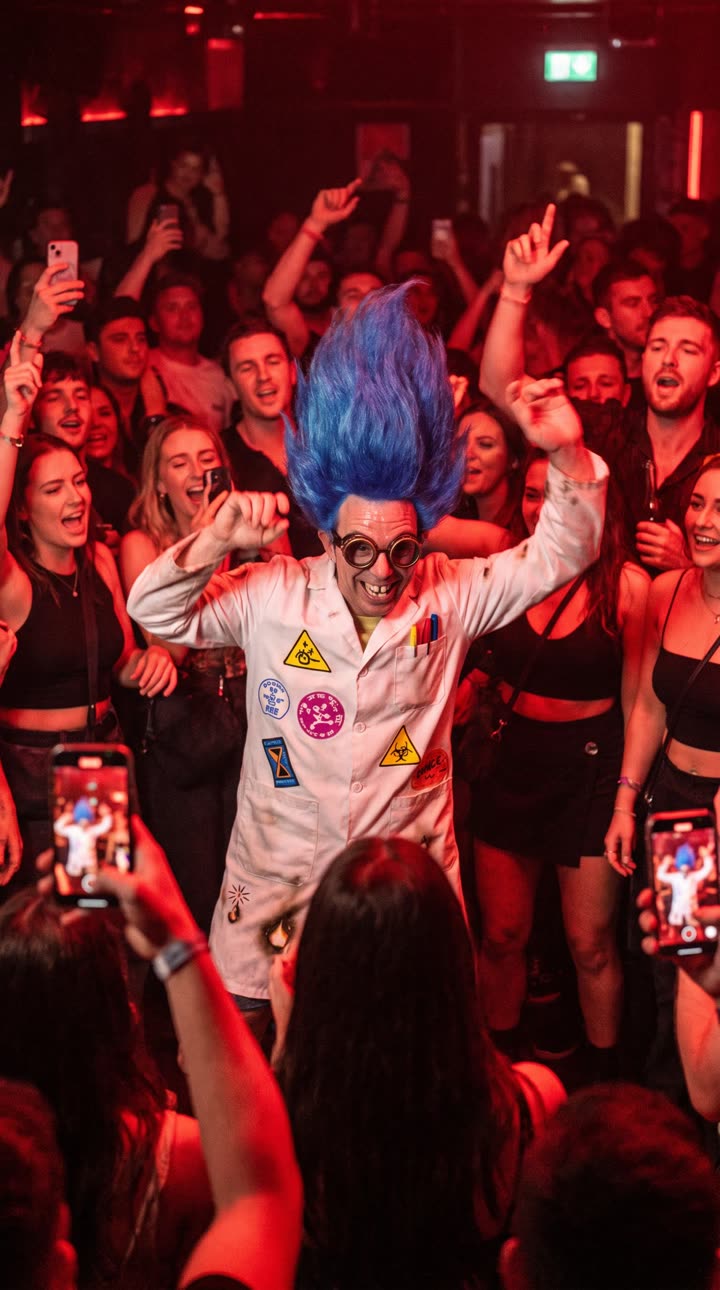
Pick a trending video, add one photo, and TrendAura puts you in it. Same moves, same music, Full HD, ready to post.

Coming soon on iPhoneSee this week’s trends
  • No sign-up
  • Photos deleted within 24 hours
  • Full HD 1080p

Three taps.
One photo.
Zero editing.

  1. 01

    Pick a trend

    Browse what is blowing up this week, or bring any clip from your camera roll.

  2. 02

    Add one photo

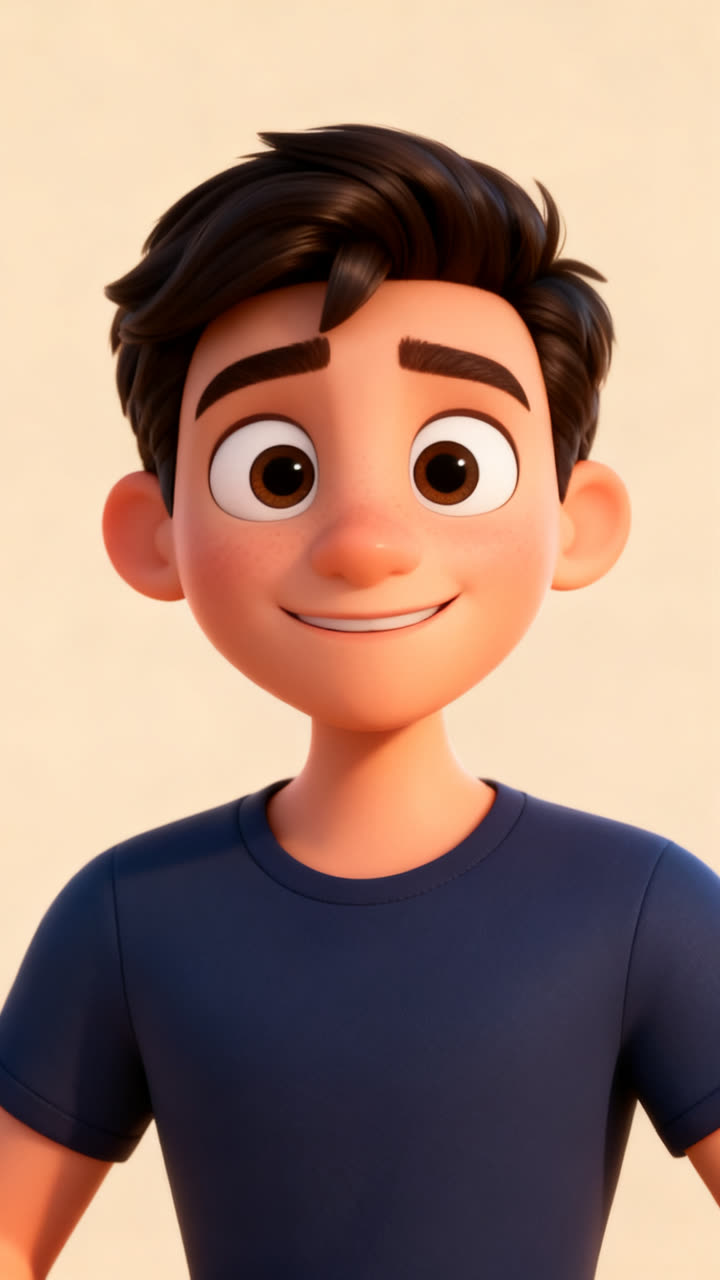
    A clear photo of your face is enough. No selfie? Pick one of our characters.

  3. 03

    Post it

    Get a Full HD video in minutes. Save it, then share it anywhere.

Tools

More than templates.
A whole studio in your pocket.

01

Replace Character

Replace Character keeps the scene, the camera moves and the sound of a video, and swaps the person in it. Bring a clip from your camera roll, add a photo, and the person in the clip becomes you.

  • Clips from 3 to 30 seconds
  • Keeps the original sound
  • Full HD 1080p
How Replace Character works
Replace Character
02

Transition

Transition turns two photos into one video that moves from the first to the second. Rainy city to desert sun, day to night, before to after.

  • Two photos in, one video out
  • 5-second video
  • Full HD 1080p
How Transition works
Transition
03

Text to Video

Describe a scene in a sentence and TrendAura makes it into a short video. Turn on Sound and the video comes with AI sound to match: waves, crowds, engines.

  • 5-second videos
  • Optional AI sound
  • Full HD 1080p
How Text to Video works
Text to Video
04

Image to Video

Image to Video turns a still photo into a moving clip. Say what should happen, or leave it blank for natural, subtle movement.

  • Any photo
  • Optional AI sound
  • Full HD or Full HD Pro
How Image to Video works
Image to Video

Motion Control

They film the move.
You do it next.

The originalWith your photo

Motion Control reads every move from a video, the dance, the gestures, the timing, and puts it on the person in your photo. It is how most trend videos in TrendAura are made.

How Motion Control works
Made from one sentence

Text to Video

Type it.
Hear it too.

“A golden retriever surfing a big ocean wave at sunset, waves crashing, seagulls, the dog barks happily.” That one sentence made this video. Turn on Sound and you hear it too.

How Text to Video works

No account

No sign-up, no email, no password. Open the app and start.

Your photos stay yours

Used for your creation only, then deleted within 24 hours. Never used to train AI.

No ads, no tracking

We don’t show ads and don’t follow you across other apps or sites.

FAQ

Good to know.

Can’t find it here? Email support@trendaura.app.

What is TrendAura?

TrendAura is an iPhone app that puts you, or one of our characters, into trending videos and photo looks. Pick a trend, add one photo, and get a video ready to post.

Do I need an account?

No. There is no sign-up and no email. The app keeps your balance and creations on your iPhone with a private device key.

What happens to my photos?

Your photos are used only to make the creation you asked for, then deleted, always within 24 hours. They are never used to train AI and never sold.

How long does a video take?

Photos take under a minute. Most videos are ready in a few minutes, and longer clips can take up to 15. You can leave the app while it works; your video waits in your Library.

What quality are the videos?

Every video is Full HD 1080p. Full HD Pro is the sharpest option for fast moves. Photos come in Standard or 2K HD.

How much does it cost?

TrendAura is free to download. The Try Pack is a one-time $1.99 for 1 video and 6 photos, and plans start at $9.99 a week. Prices can differ by country.

Your next post is already trending.

One photo. No account. Ready in minutes.

Coming soon on iPhone