 TrendAura
Guide
How to edit a photo with AI, just by describing it
The newest AI photo editors work like a conversation: you show a photo and say what to change. No masks, no layers, no skills needed. Here is how to do it in TrendAura, and how to write instructions that work.
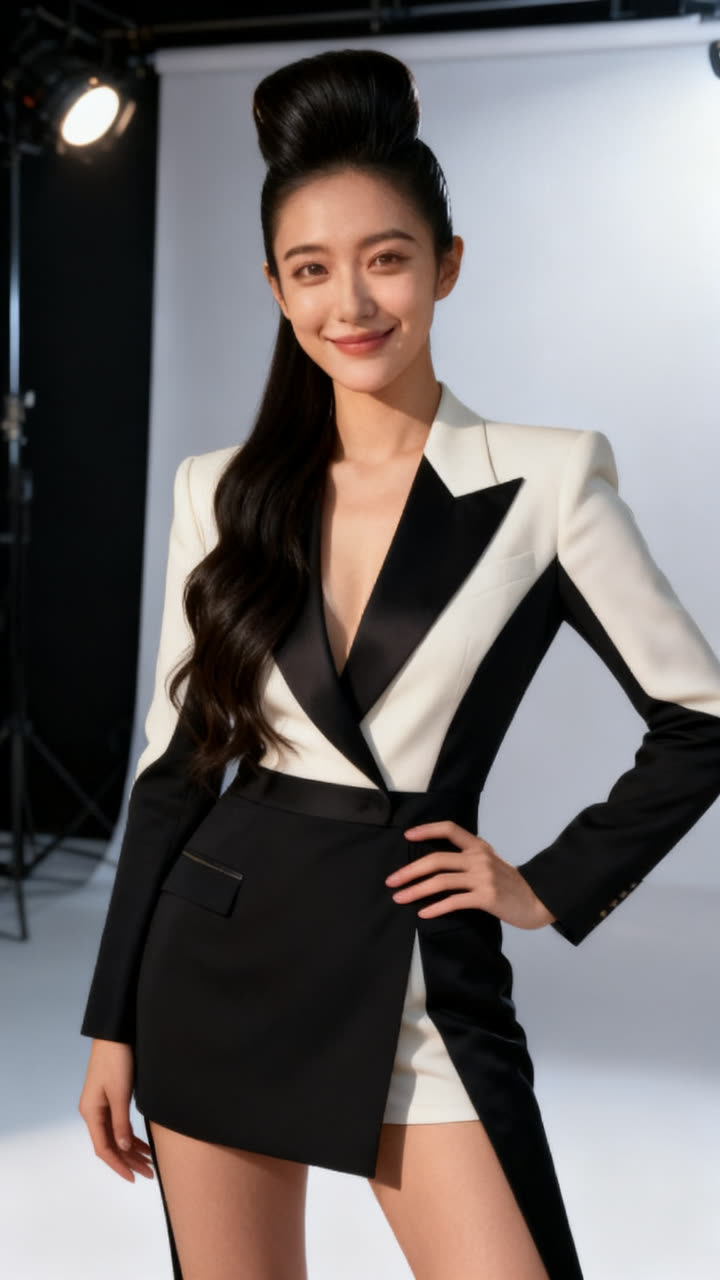
Step by step
- Open TrendAura, tap Create, switch to Photo and tap Edit any Photo.
- Add your photo. Add a second one if you want to combine them, like you and your dog.
- Type the change, for example “put me on a rooftop in Paris at night”.
- Pick Standard, or 2K HD for the most detail, and tap Create.
Instructions that work well
- Change the place: “put me on a beach in Bali at sunset”.
- Change the outfit: “dress me in a black tuxedo”.
- Change the time: “make it a rainy night with neon lights”.
- Combine photos: “put us together at a café table”.
- Change the style: “make it look like a 1980s film photo”.
Tips
- One change at a time gives the cleanest result.
- Say what should stay: “keep my pose and expression”.
- Use a sharp, well-lit photo with your face clearly visible.
- Faces are kept the same automatically, so you still look like you.
Related
How much does a photo edit cost?
80 credits in Standard, 150 credits in 2K HD.
Can I use two photos?
Yes. Add a second photo to put people, pets or outfits together.
Can I make a photo from text only?
Yes. Use Text to Photo and describe the picture you want.