 TrendAura
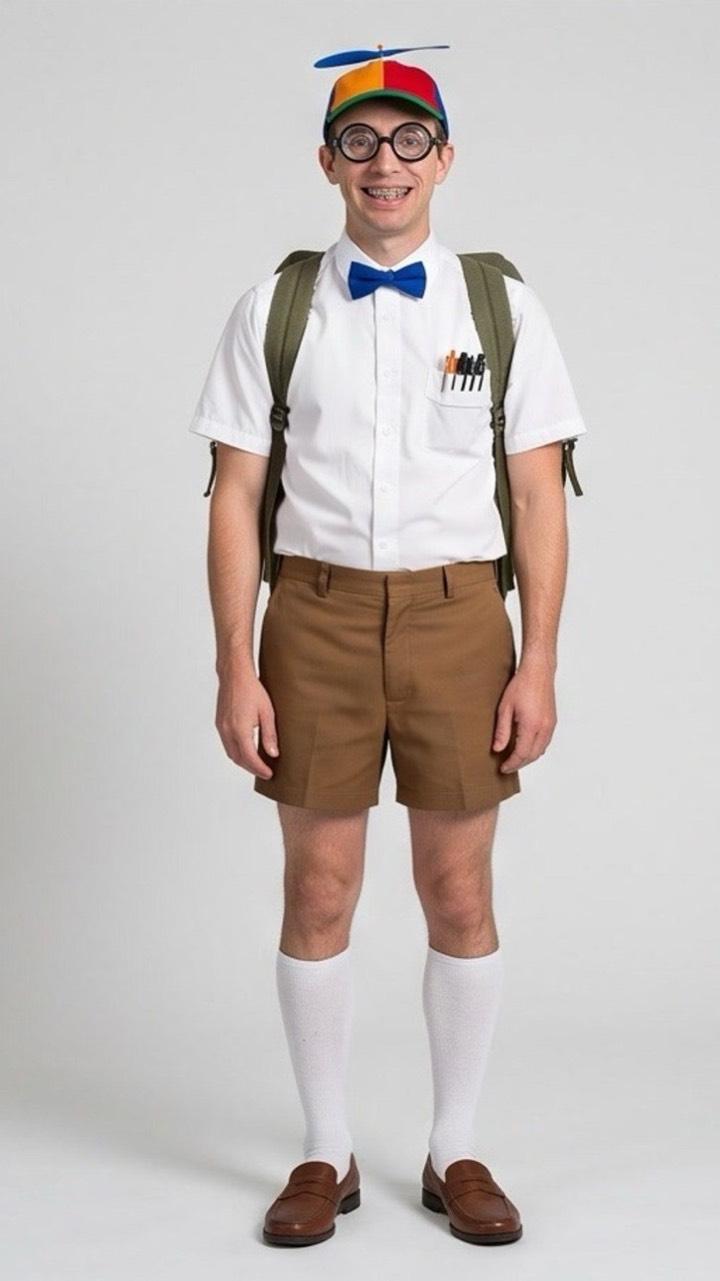 Photo
PhotoAI Video Effects
One photo in. The effect happens right on camera.
Video effects turn one photo into a short video where something wild happens on camera: your arms grow huge muscles, you puff up like a balloon, or a superhero suit builds up around you. Angel Wings, Flying Car and Costume Reveal are in there too.
One photo in · 5-second video · Full HD 1080p
Photo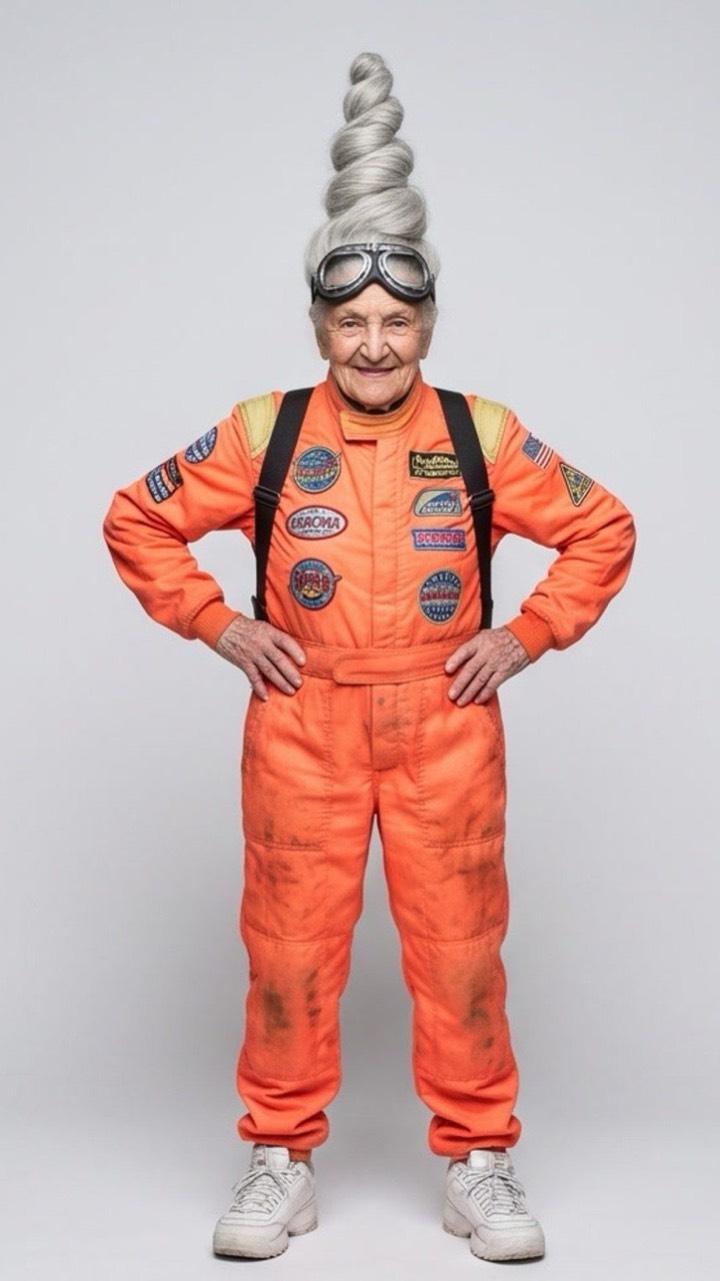 Photo
Photo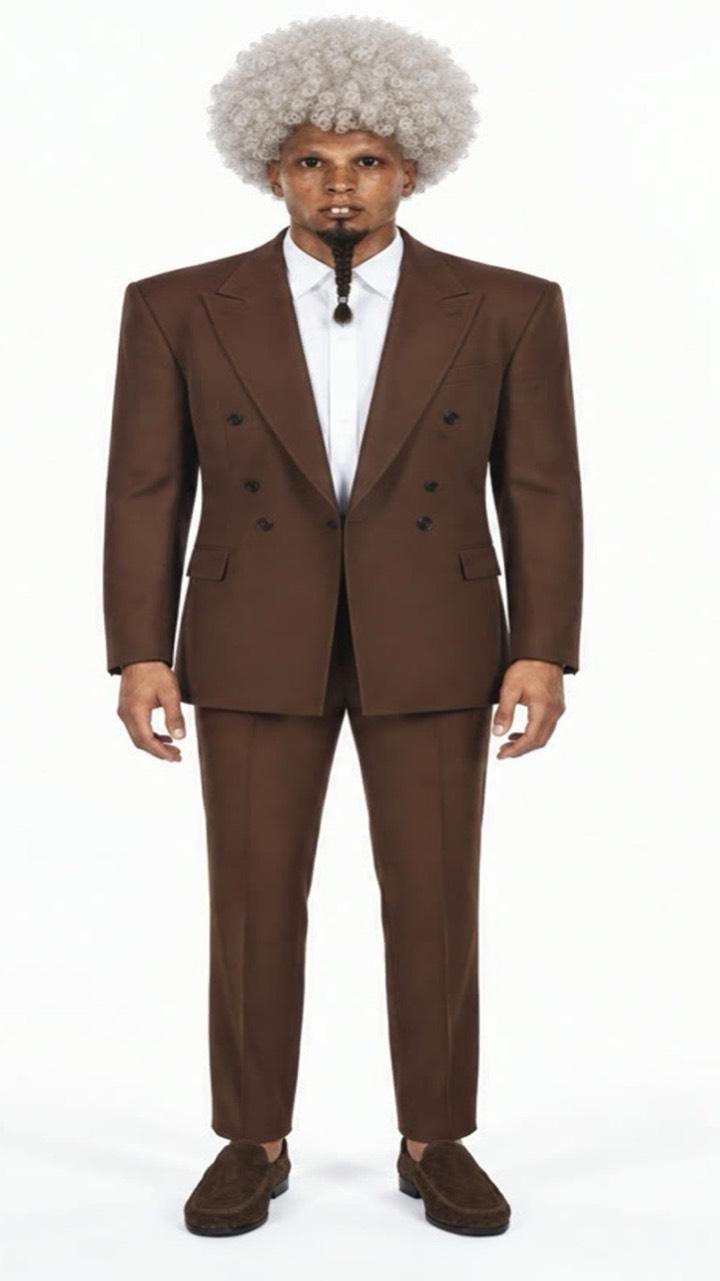 Photo
PhotoHow it works
- 1
Open Trending and scroll to Video effects.
- 2
Pick an effect and add one photo, or pick a character.
- 3
Tap Create video. It is ready in a few minutes.
Questions
Can’t find it here? Email support@trendaura.app.
How does AI Video Effects work?
Open Trending and scroll to Video effects. Pick an effect and add one photo, or pick a character. Tap Create video. It is ready in a few minutes.
Do I need an account?
No. TrendAura has no sign-up. Open the app and start creating.
What happens to my photos and clips?
They are used only for your creation and deleted within 24 hours. They are never used to train AI.
Your next post is already trending.
One photo. No account. Ready in minutes.