 TrendAura
Guide
How to put yourself in a TikTok trend with AI
Trends move fast. By the time you have learned the dance and filmed ten takes, the feed has moved on. With TrendAura you can join a trend with one photo, while it is still hot.
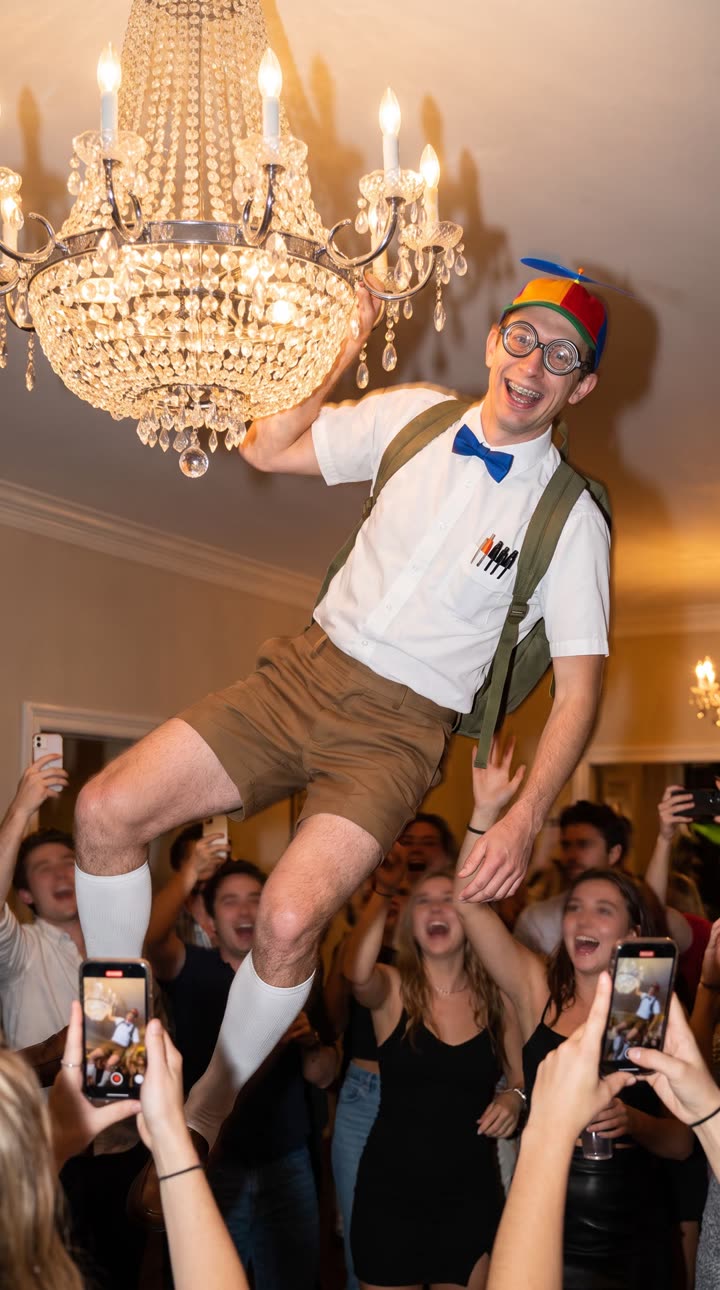
Two ways to join a trend
The fastest way is to pick a trend from the Home tab. We add the trends that are blowing up each week, with the moves and music ready to go.
If the trend you want isn’t there, save the trend clip to your camera roll and use Motion Control. It copies the moves from any clip, 3 to 30 seconds long, onto your photo.
Step by step
- Open TrendAura and pick a trend, or tap Create, then Motion Control, and choose your clip.
- Add one photo of yourself, or pick a character.
- Tap Create. Your video keeps the song from the trend.
- Save it and post it with the trend’s sound and hashtags.
Be fair to creators
Only use clips you have the right to use, and never use someone else’s face without their permission. Photos of celebrities and public figures are not allowed in TrendAura.
Related
Which trends can I join?
Any trend with a person moving: dances, walks, reactions, interviews. Browse the current list on our trends page.
Do I need a TikTok account?
No. TrendAura saves the video to your camera roll, and you can post it anywhere.
How long does it take?
Most videos are ready in a few minutes. Longer clips can take up to 15.