 TrendAura
Remix a Screenshot
Screenshot a post, pick an idea, post the remix in the comments.
Screenshot any post, reel or meme and remix the picture in it. Put yourself in the scene with one selfie, make it look real, turn it into a cartoon, show what happens next, or type your own idea. The new picture is ready to post as a photo reply in the comments.
Any screenshot · Put yourself in it · Ready for the comments
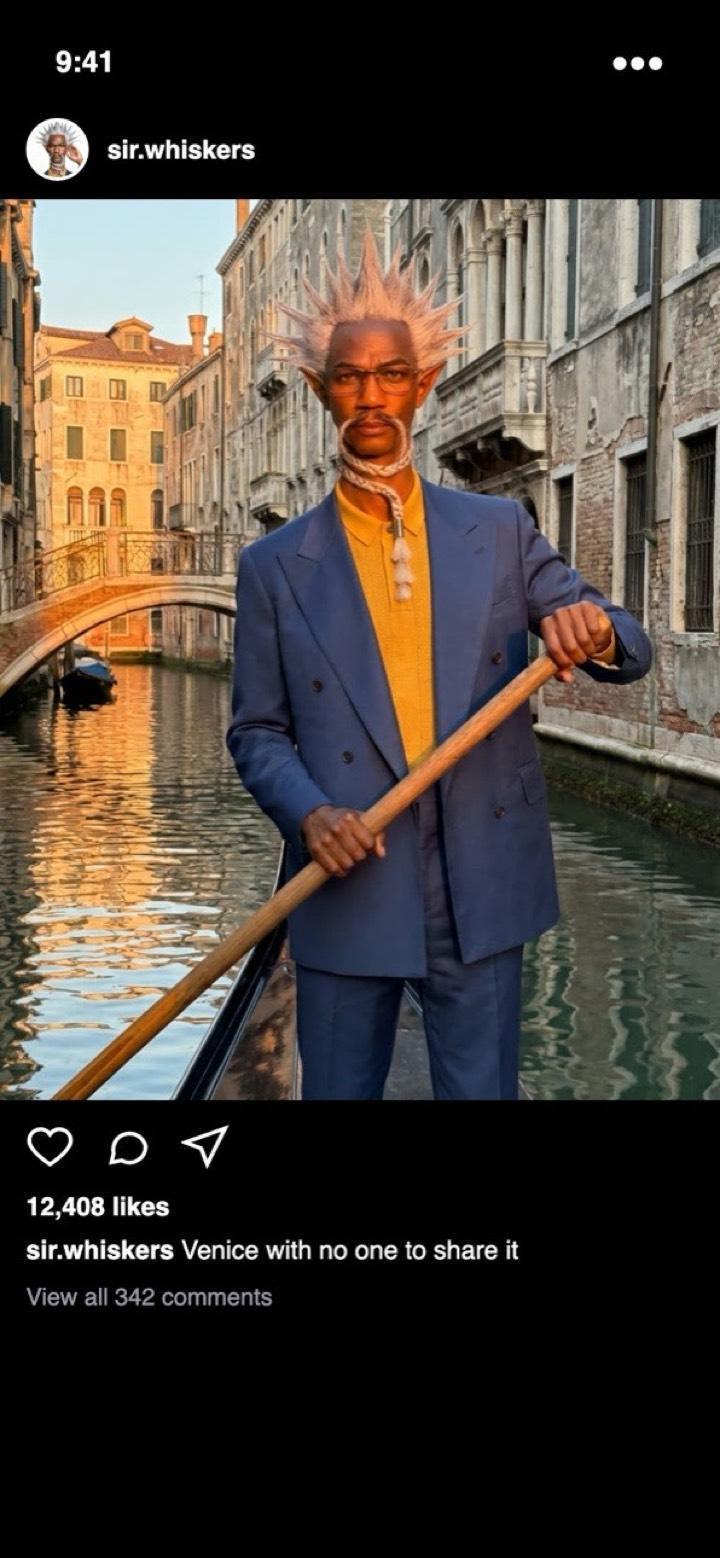
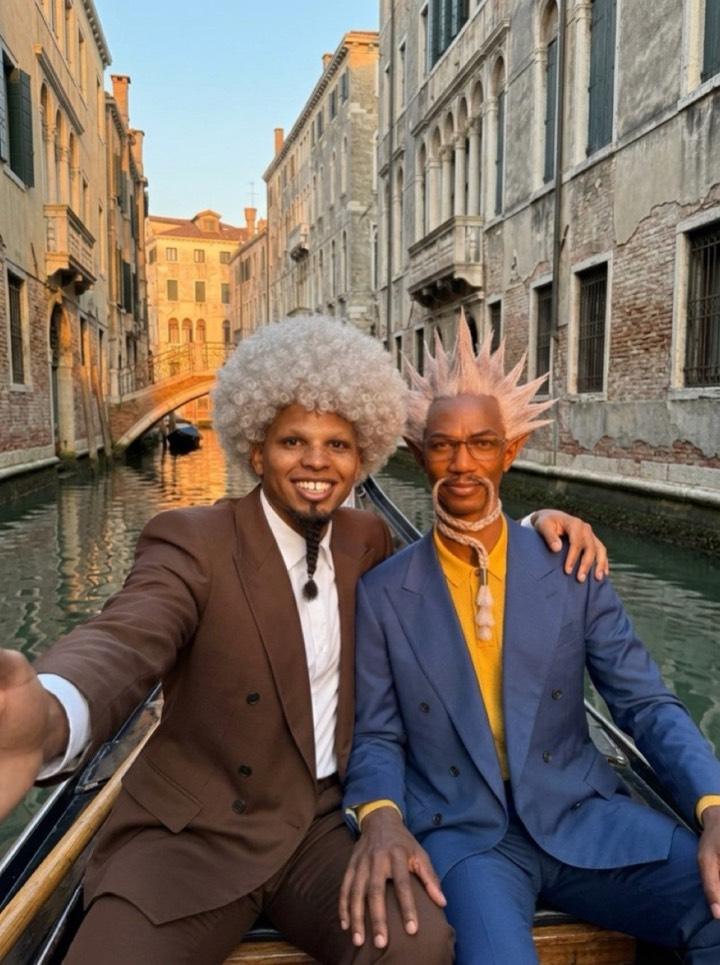
How it works
- 1
Open Create, switch to Photo and tap Remix a Screenshot.
- 2
Add a screenshot of any post, reel or meme. For "Put me in it", add your selfie too.
- 3
Pick an idea or type your own and tap Remix it. Your picture is ready in under a minute.
Questions
Can’t find it here? Email support@trendaura.app.
How does Remix a Screenshot work?
Open Create, switch to Photo and tap Remix a Screenshot. Add a screenshot of any post, reel or meme. For "Put me in it", add your selfie too. Pick an idea or type your own and tap Remix it. Your picture is ready in under a minute.
Do I need an account?
No. TrendAura has no sign-up. Open the app and start creating.
What happens to my photos and clips?
They are used only for your creation and deleted within 24 hours. They are never used to train AI.
Your next post is already trending.
One photo. No account. Ready in minutes.