TrendAura
Caricature
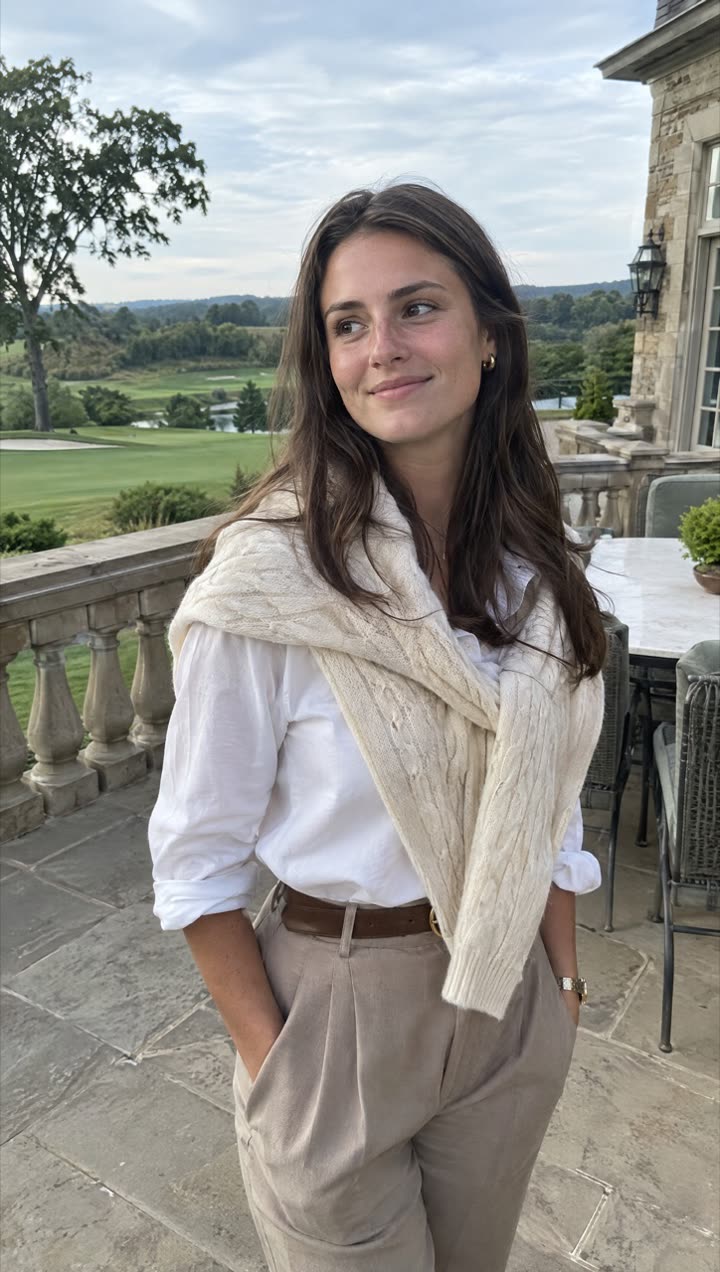
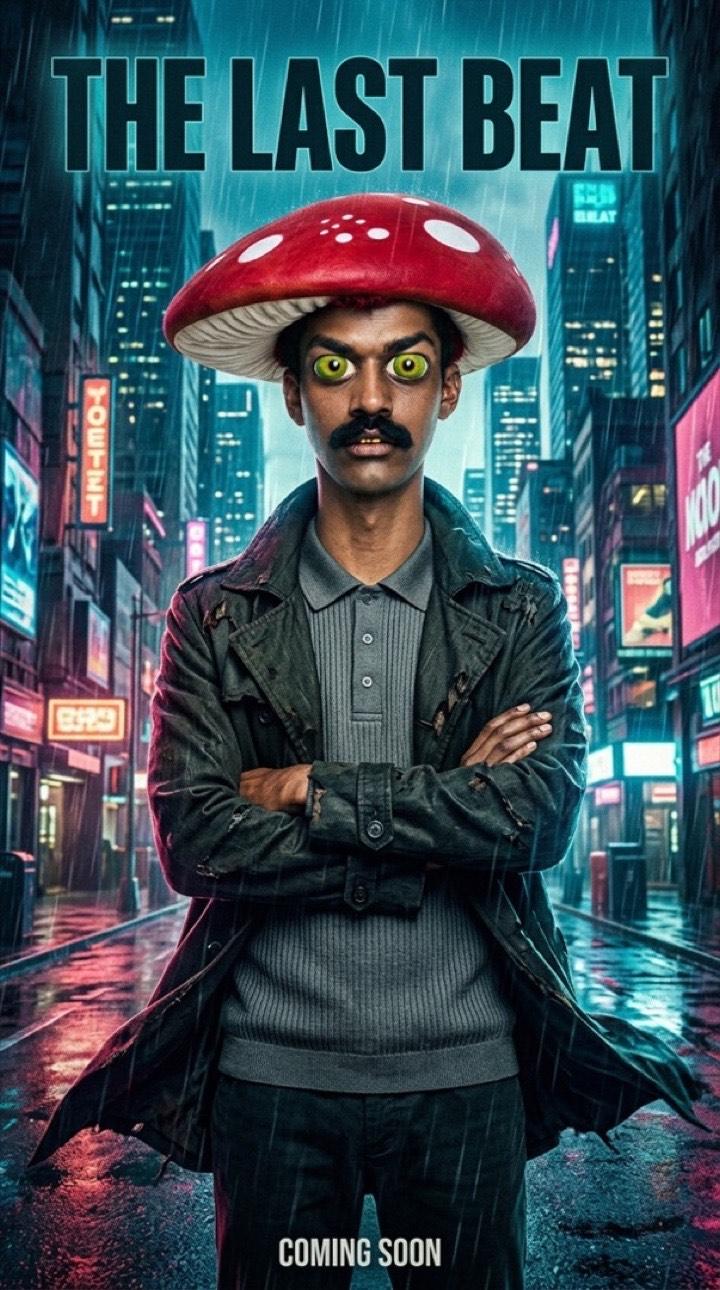
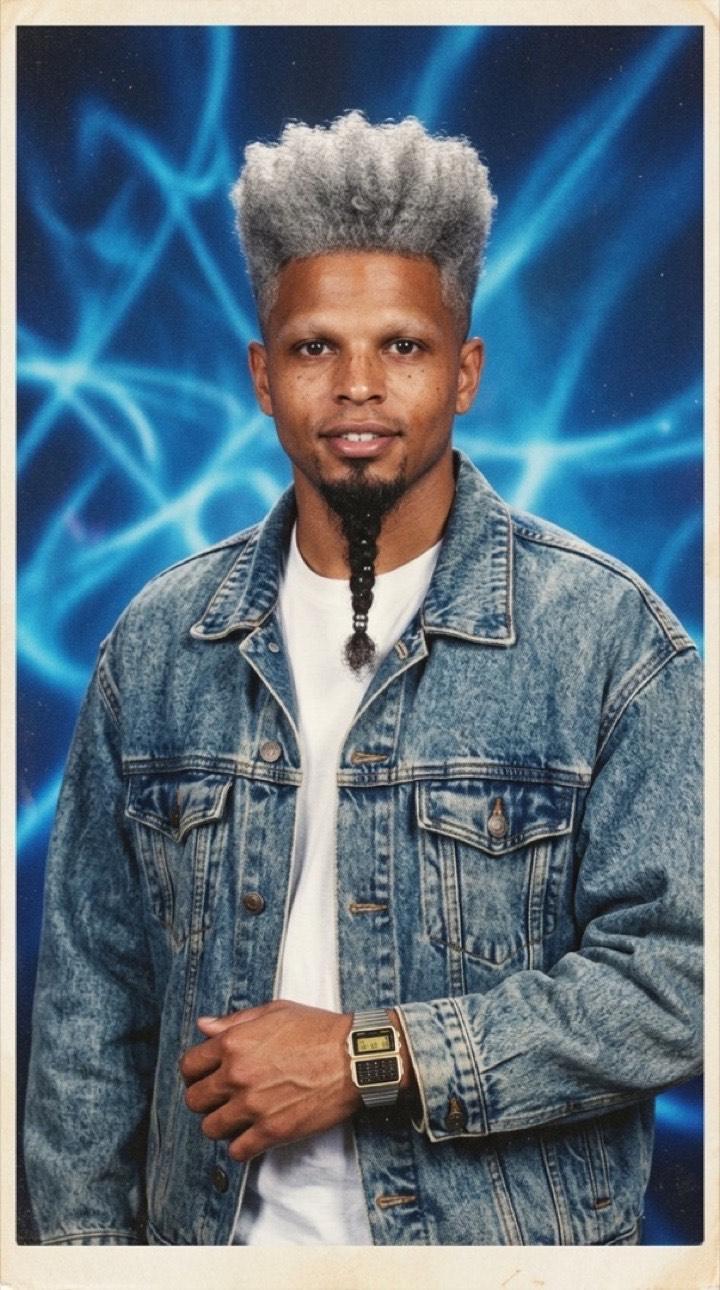
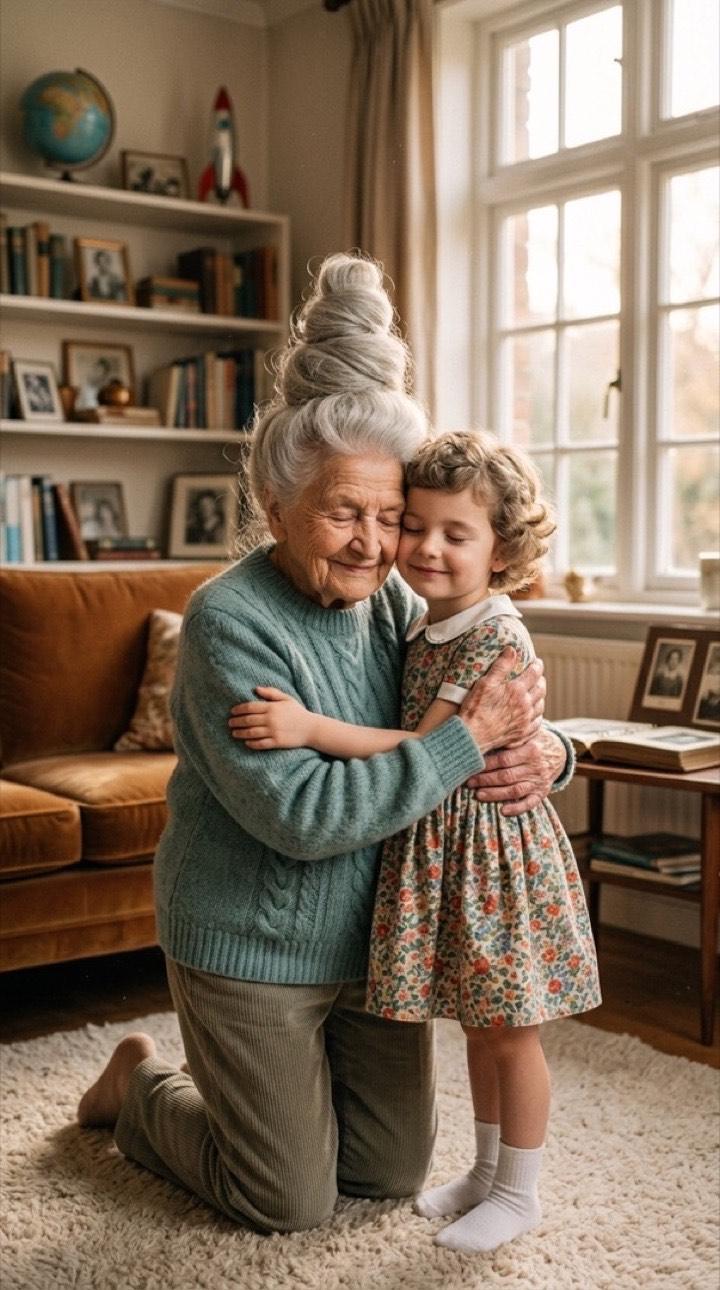
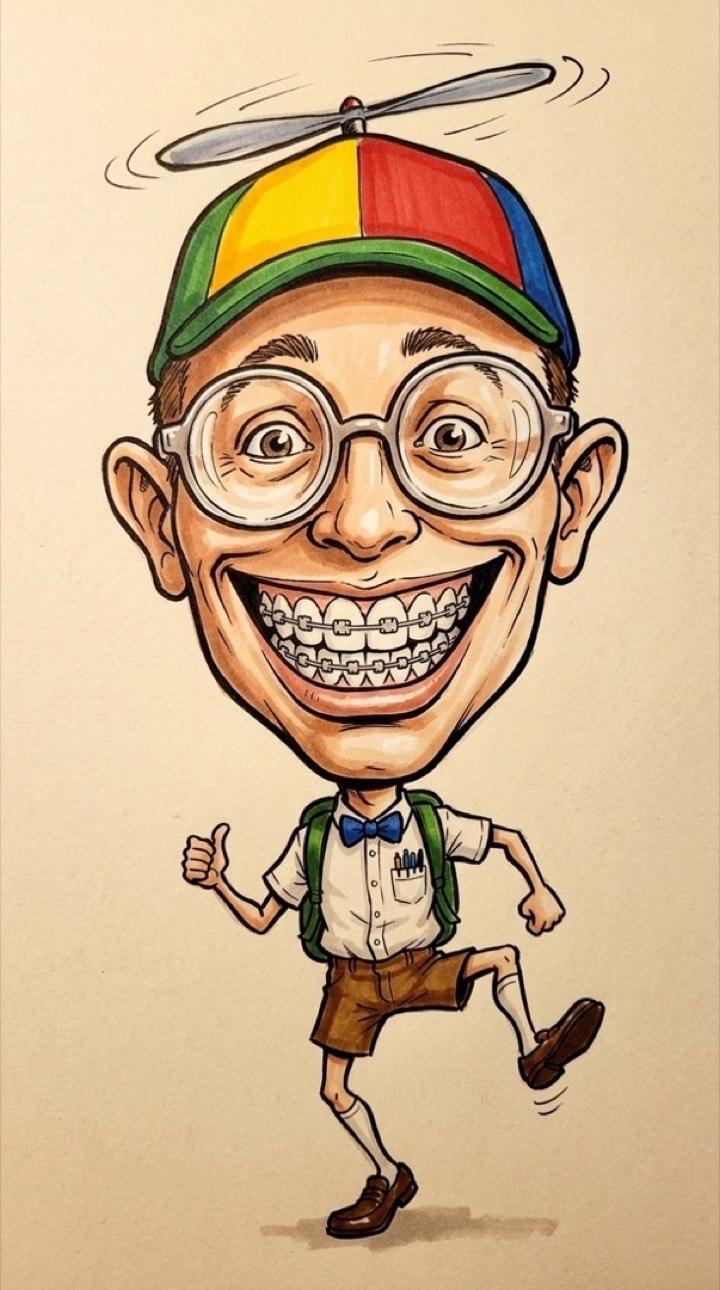
A hand-drawn caricature of you: a big expressive head on a small body, playful exaggeration and a big smile, in bold ink and marker colour. Still clearly you.
How to get it
- Open TrendAura, tap Create and switch to Photo.
- Pick Caricature and add a clear photo.
- Tap Create. Your photo is ready in under a minute.
Tips for the best result
- A full body or waist-up photo gives the best pose.
- A big smile makes the best caricature.
- Plain backgrounds keep the drawing clean.
Questions
Can’t find it here? Email support@trendaura.app.
How do I get the Caricature look?
Open TrendAura, tap Create, switch to Photo and pick Caricature. Add a clear photo of your face and tap Create.
How long does it take?
Under a minute.
What quality is the photo?
Choose Standard, or 2K HD for the most detail.