TrendAura
AI Photo look
3D Cartoon Me
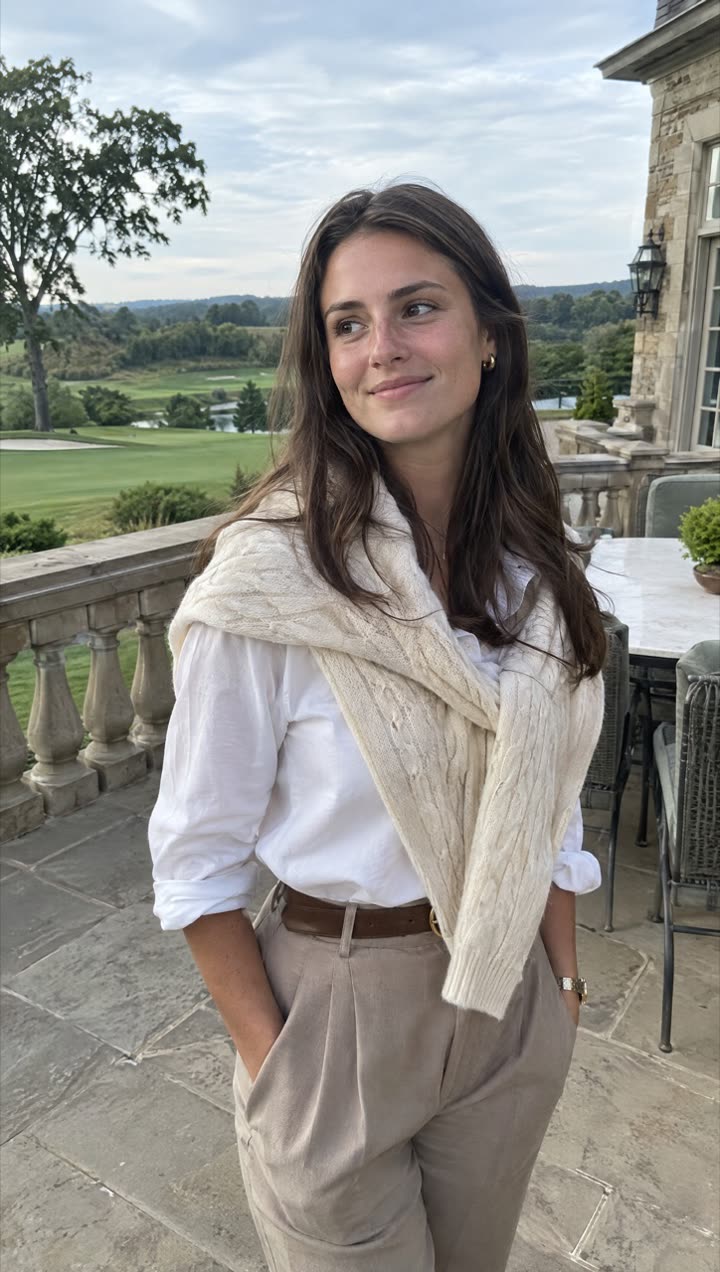
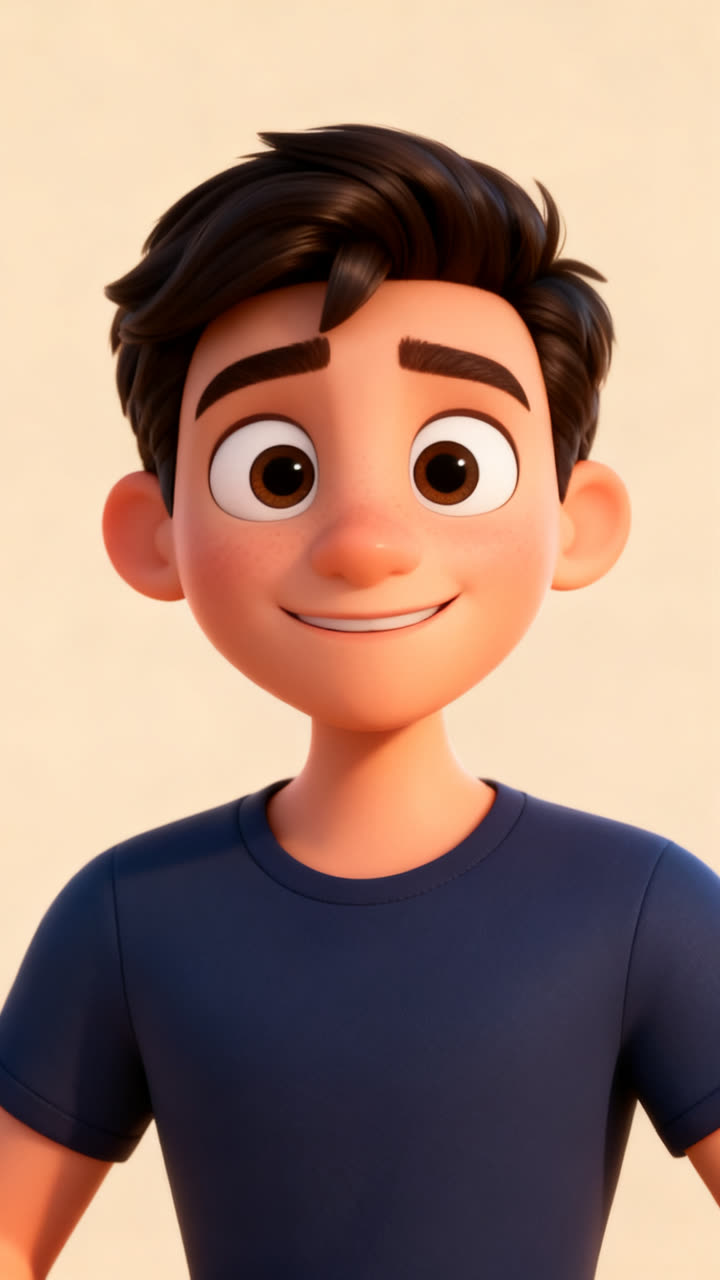
The 3D cartoon look turns your photo into a character from an animated movie: big expressive eyes, soft studio light and that smooth, colorful style, while still looking like you.
How to get it
- Open TrendAura, tap Create and switch to Photo.
- Pick Pixar Me and add a clear photo.
- Tap Create. Your photo is ready in under a minute.
Coming soon on iPhone
Tips for the best result
- 01Use a front-facing photo with a clear smile.
- 02Plain backgrounds give the cleanest result.
- 03Choose 2K HD for the most detail.
How do I get the 3D Cartoon Me look?
Open TrendAura, tap Create, switch to Photo and pick Pixar Me. Add a clear photo of your face and tap Create.
How long does it take?
Under a minute.
What quality is the photo?
Choose Standard, or 2K HD for the most detail.