TrendAura
Trend
Club Freestyle
Own the dance floor in a packed club.
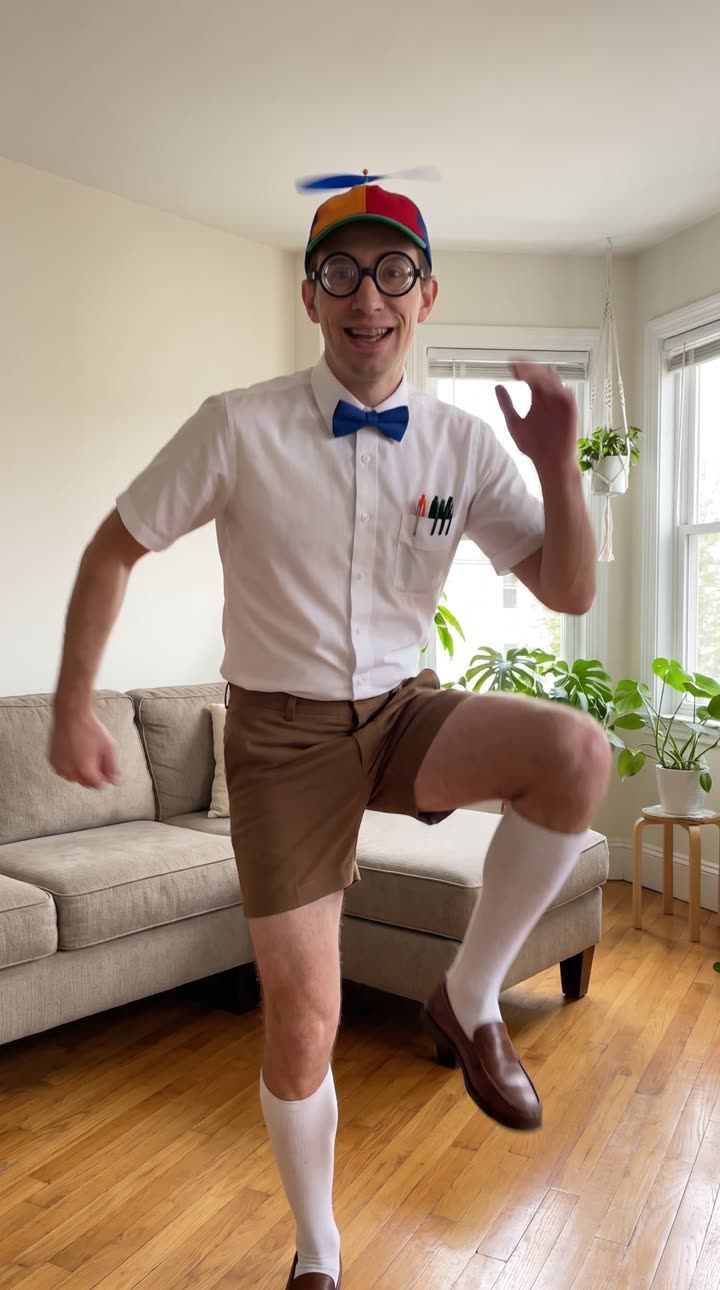
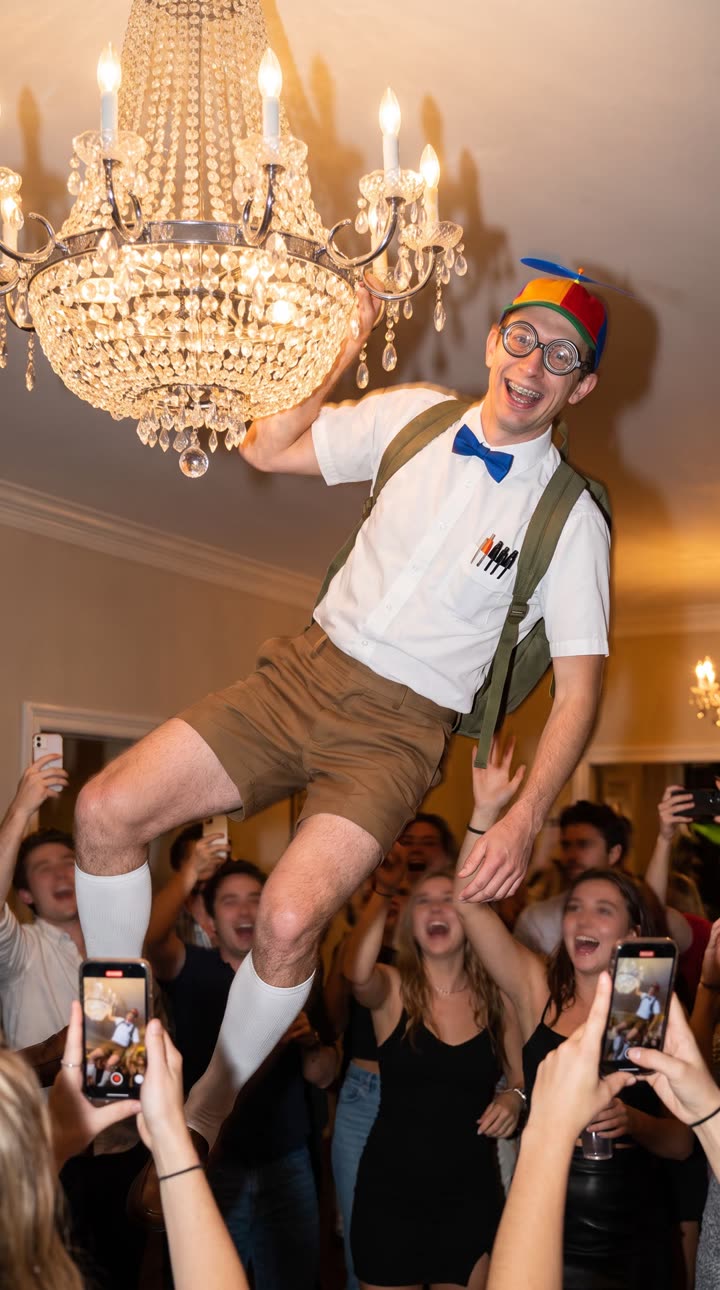
The Club Freestyle trend drops you in the middle of a crowded club, under red lights, dancing like the room is yours. It works best with a clear, full-body photo, but a face photo is enough.
How to make it
- Open TrendAura and pick Club Freestyle.
- Add one photo, or pick a character.
- Tap Create. Your video is ready in minutes.
Coming soon on iPhone
Tips for the best result
- 01Use a photo where you face the camera.
- 02Full body photos give the best dance moves.
- 03Bright, even light keeps your face sharp.
How do I make the Club Freestyle trend?
Open TrendAura, pick Club Freestyle, add one photo of yourself or pick a character, and tap Create. Your video is ready in a few minutes.
Do I need to dance for Club Freestyle?
No. TrendAura takes the moves from the trend and puts them on the person in your photo. You only need one photo.
What photo works best?
Use a photo where you face the camera. Full body photos give the best dance moves. Bright, even light keeps your face sharp.