TrendAura
Trend
Babydoll Two-Step
A two-step for the saloon floor.
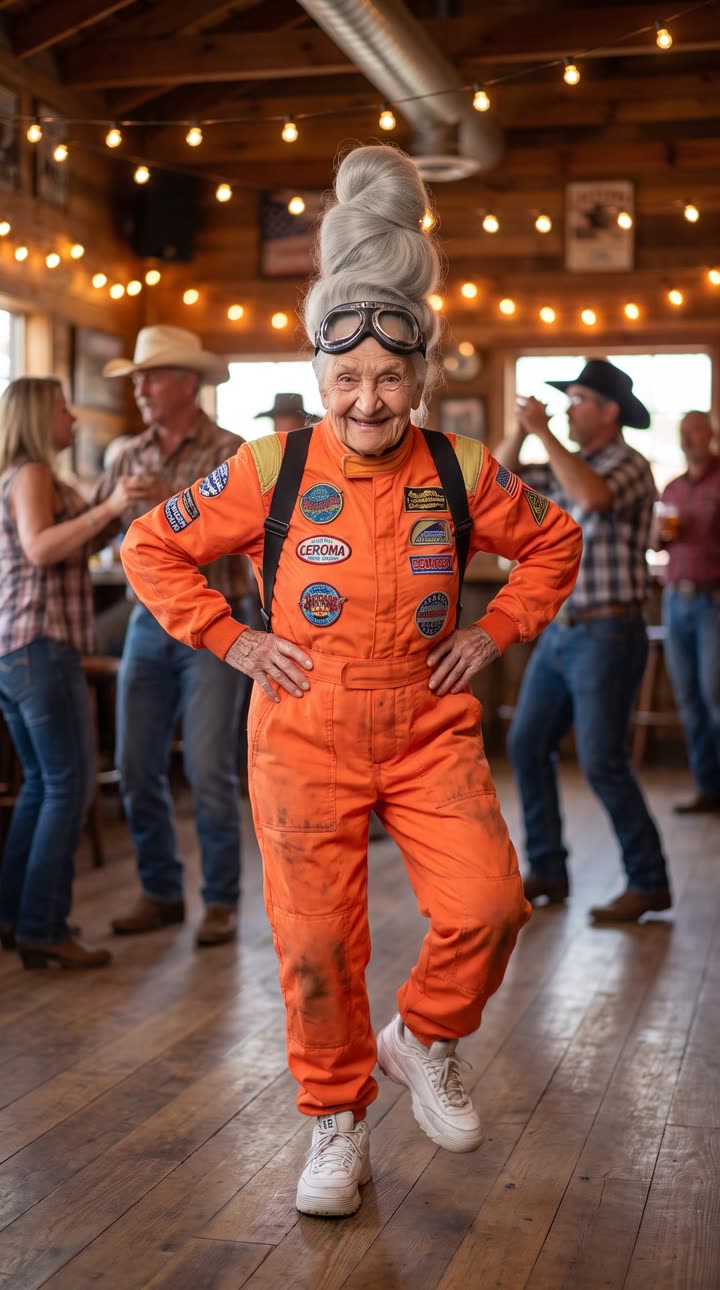
Boots, string lights and a wooden floor. The Babydoll Two-Step trend puts you in the line dance with the moves from the original clip.
How to make it
- Open TrendAura and pick Babydoll Two-Step.
- Add one photo, or pick a character.
- Tap Create. Your video is ready in minutes.
Coming soon on iPhone
Tips for the best result
- 01Full body photos work best.
- 02Shoes visible makes the steps look right.
- 03One person per photo.
How do I make the Babydoll Two-Step trend?
Open TrendAura, pick Babydoll Two-Step, add one photo of yourself or pick a character, and tap Create. Your video is ready in a few minutes.
Do I need to dance for Babydoll Two-Step?
No. TrendAura takes the moves from the trend and puts them on the person in your photo. You only need one photo.
What photo works best?
Full body photos work best. Shoes visible makes the steps look right. One person per photo.