TrendAura
AI Photo look
Anime Me
The anime look redraws your photo as a soft, hand-painted anime portrait with warm watercolor backgrounds and gentle line art.
How to get it
- Open TrendAura, tap Create and switch to Photo.
- Pick Ghibli Me and add a clear photo.
- Tap Create. Your photo is ready in under a minute.
Coming soon on iPhone
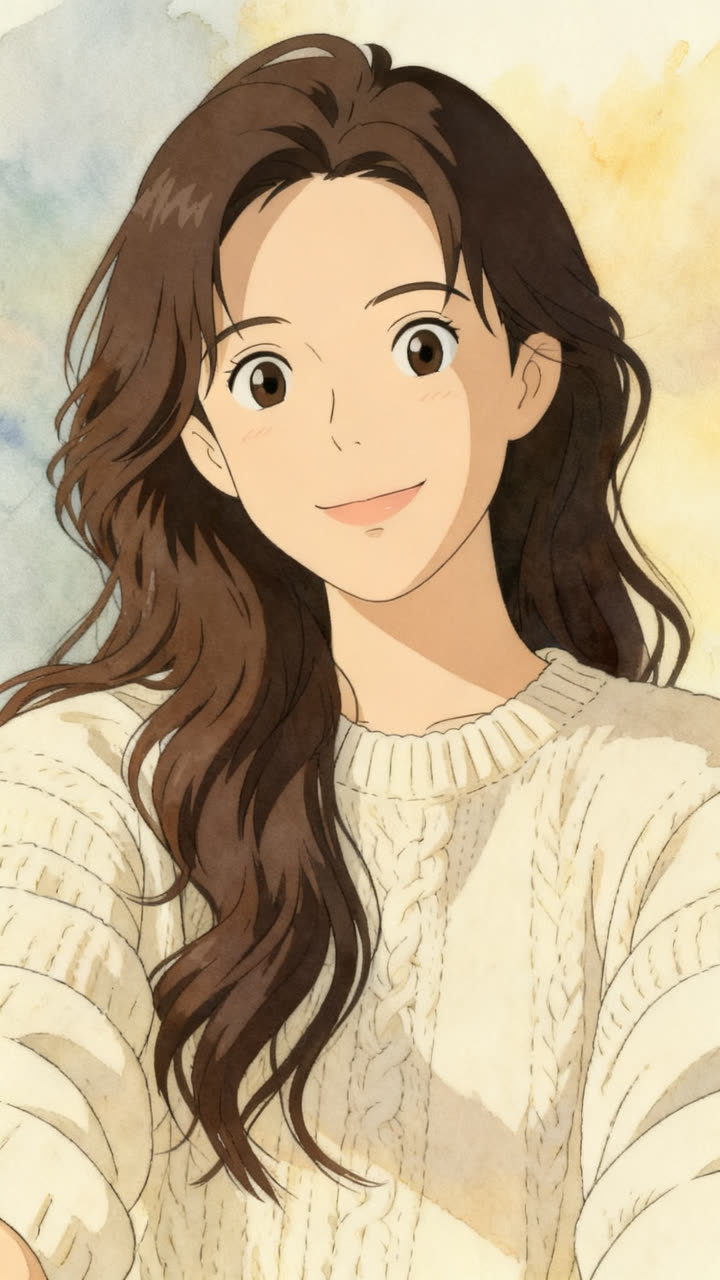
Tips for the best result
- 01A clear face photo is all you need.
- 02Smiling photos give the warmest result.
- 03Busy backgrounds become dreamy scenery.
How do I get the Anime Me look?
Open TrendAura, tap Create, switch to Photo and pick Ghibli Me. Add a clear photo of your face and tap Create.
How long does it take?
Under a minute.
What quality is the photo?
Choose Standard, or 2K HD for the most detail.