 TrendAura
Guide
How to make your pet sing with AI
Pet videos are the internet’s favourite thing. With TrendAura’s Pet Love Song, a single photo of your cat or dog becomes a dramatic singing performance.
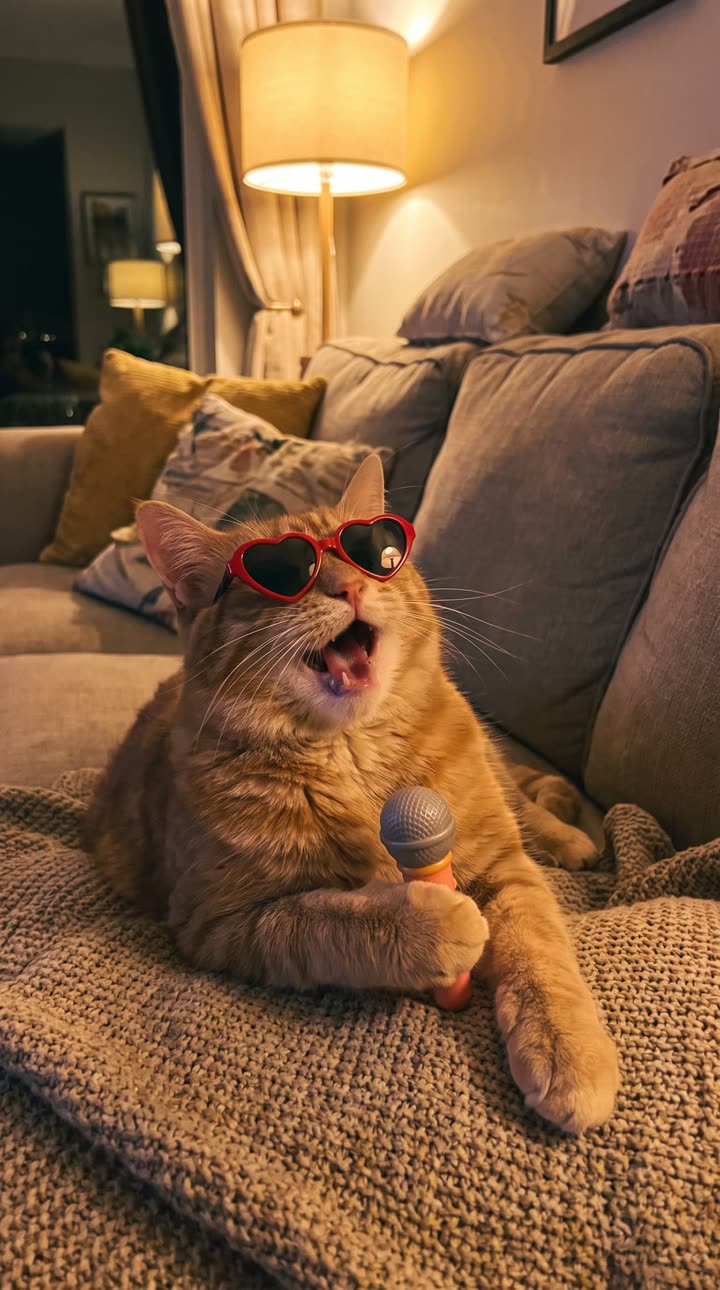
Step by step
- Open TrendAura and find Pet Love Song on the Home tab.
- Add a clear photo of your pet’s face.
- Tap Create and wait a few minutes.
- Save it and share it.
Photo tips
- Your pet’s face should be sharp and looking toward the camera.
- One pet per photo.
- Good daylight keeps the fur detail.
- Avoid photos where the face is half hidden.
More pet ideas
Try Text to Video with a description of your pet’s dream day, like “a golden retriever surfing a big wave at sunset”, and turn on Sound to hear the waves.
Coming soon on iPhone
Related
Does it work with cats and dogs?
Yes. Clear, front-facing photos of cats and dogs work best.
Is my pet’s photo kept?
No. Photos are deleted within 24 hours and never used to train AI.